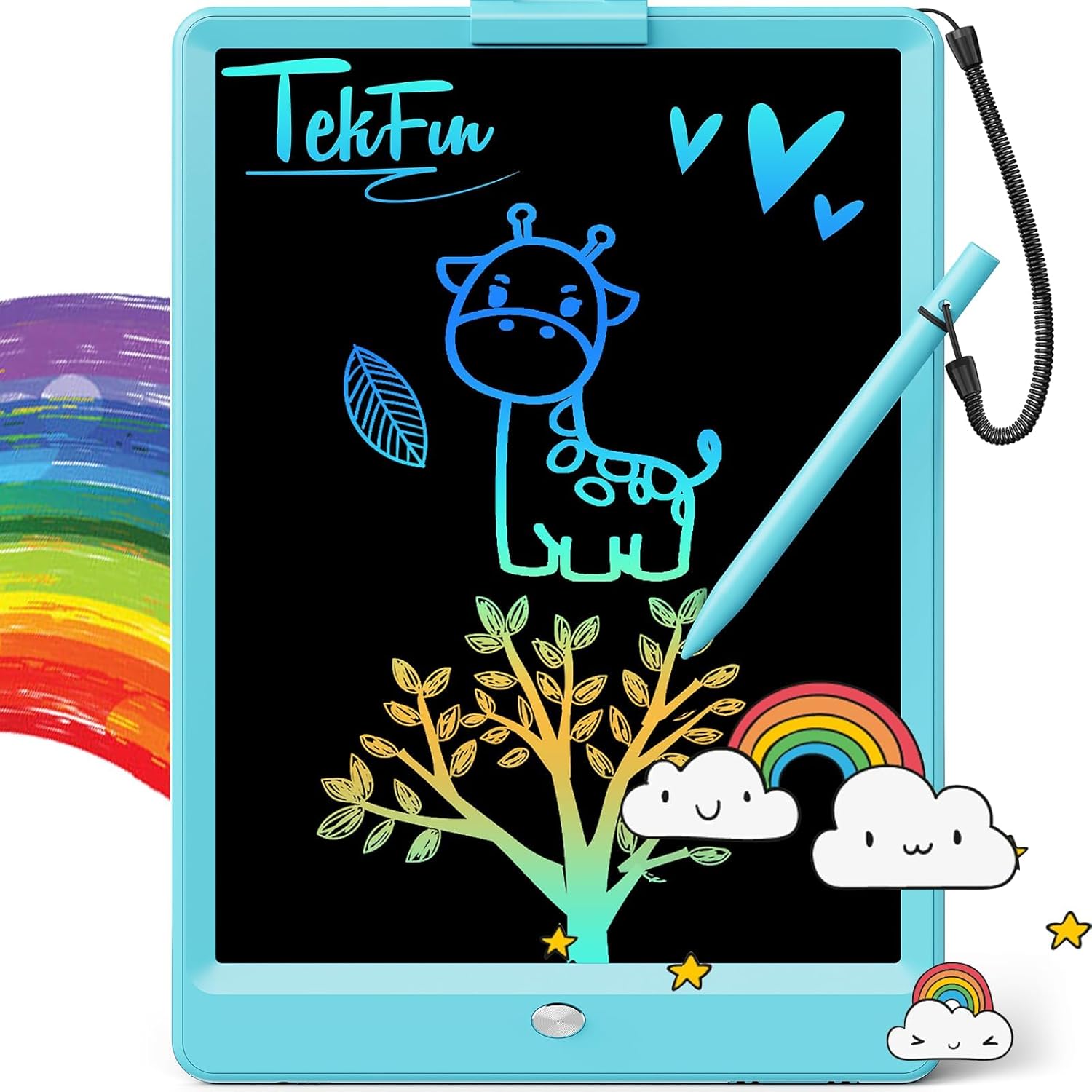
TEKFUN LCD Writing Tablet for Kids, 10-inch Coloring Drawing Pad, Mess Free Doodle Board, Christmas Gifts for Boys and Toddlers, Toys for 3 4 5 6 7 8 Year Old Girls(Blue)
Want the best price and purchase timing?
Our AI advisor analyzes real-time pricing across all channels to find you the best deal.
AI Verdict
This 10-inch, 150-gram LCD writing tablet with a 6-month battery is for kids aged 3-8, offering a mess-free drawing experience without digital saving.
This 10-inch LCD writing tablet is a strong fit for its target audience of young children and parents seeking a mess-free, portable drawing solution. Its 150-gram weight and 6-month battery life make it ideal for travel and extended use without frequent charging. The pressure-sensitive screen and erase lock cater directly to simple, repeatable creative play.
If digital saving or higher resolution for detailed artwork is a priority, look for a dedicated drawing tablet with internal memory or connectivity options.
Regret Score™
Medium RiskLower is better — measures purchase-regret risk from real buyer complaints, review credibility, and product maturity
Issues discovered after purchase
Critically weak dimension
Amazon rating vs actual quality
Chance this product isn't for you
Pros
- Provides 10 inches of drawing space for creative expression.
- Weighs only 150 grams, making it easy to transport in bags.
- Offers a 6-month battery lifespan, supporting 100,000 writing cycles before replacement.
- Features pressure-sensitive technology for varied line thickness with a stylus or hard object.
- Includes a key lock to prevent accidental clearing of drawings.
- Designed with an eye-protection colorful screen, avoiding glare and radiation.
Cons
- The stylus is not explicitly tethered in the product specifications, leading to potential loss.
- Does not offer any internal storage or digital saving capabilities for creations.
- Requires sufficient ambient light for visibility, as it lacks a backlight.
- The screen does not have a traditional pixel resolution for displaying detailed images or media.
- Some users report that the colors are not as vibrant as they could be.
Dimension Scores
The screen offers colorful, eye-friendly output without glare, but lacks a backlight and traditional pixel resolution for fine detail.
Drawing is responsive with pressure-sensitive technology, and the screen clears instantly with a single button press.
The 6-month battery life and 100,000 writing cycles are above average for a simple, non-rechargeable device, and the battery is replaceable.
This is a standalone device with no connectivity features like Wi-Fi, Bluetooth, or USB for integration with other devices.
Best For
- Keeping children aged 3-8 entertained during car rides and travel.
- Parents seeking a mess-free alternative to traditional art supplies.
- Educational activities like practicing letters, numbers, and math without paper waste.
- Reducing screen time by offering a non-electronic creative outlet.
Not Recommended For
- Artists requiring high-fidelity color reproduction or fine detail.
- Users needing to save or share their drawings digitally.
- Use in dimly lit environments without an external light source.
- Children who frequently lose small accessories like styluses.
Watch Out For
- The included stylus is prone to being lost if not secured, as it's not always tethered.
- Drawings cannot be saved; pressing the erase button or unlocking and pressing it clears the entire screen.
- The screen's visibility is dependent on ambient light, making it difficult to use in dark rooms.
- Battery replacement is required after approximately 6 months or 100,000 uses, needing a small screwdriver.
Full Specifications
| ASIN | B085NDS2R8 |
| Brand | TEKFUN |
| Color | Blue |
| Series | LCD01 |
| Material | Paper, Plastic |
| Item Weight | 4.9 ounces |
| Manufacturer | TEKFUN |
| Mounting Type | Wall Mount |
| Item model number | LCD01 |
| Screen Resolution | 1024 x 600 |
| Product Dimensions | 6.8 x 6.8 x 9.8 inches |
| Item Dimensions LxWxH | 6.8 x 6.8 x 9.8 inches |
| Recommended Uses For Product | Home, School |
| Standing screen display size | 10 Inches |
What Buyers Say
Users consistently highlight the tablet's utility for mess-free entertainment, especially during travel, with many appreciating its lightweight build. The colorful display is a recurring positive, making drawings more engaging for children. However, the ease of losing the stylus is a frequent point of concern, often leading users to devise their own tethering solutions. The inability to save drawings is an inherent limitation, but the erase lock feature is valued for preventing accidental deletions. The device's durability, including its anti-fall and waterproof claims, is also noted by users.
“My kid loves this thing for car trips, but seriously, they need to attach the pen better, we almost lost it like three times already! It's so light though, and no crayon bits everywhere is a win.”
Common Praise
- The 10-inch screen provides ample space for drawing and writing.
- Its 150-gram weight makes it extremely portable for travel.
- The colorful lines and rainbow display are visually appealing to children.
- The erase lock feature effectively prevents accidental clearing of drawings.
- It eliminates the mess associated with traditional paper and crayons.
Common Complaints
- The stylus is easily misplaced if not attached with a string.
- There is no option to save or store any of the created drawings.
- The screen's visibility diminishes in low light conditions due to the lack of a backlight.
- Some users perceive the colors as less vibrant compared to other displays.
Ownership Tips
- After a few weeks, the stylus often needs to be tied to the tablet to prevent it from getting lost in bags or under car seats.
- The screen's brightness and contrast are entirely dependent on the ambient light in the room.
- The battery lasts for months, but when it does run out, you'll need a small screwdriver to replace the button cell.
- Children quickly learn to use the lock switch to 'save' their current drawing from accidental erasure.
Frequently Asked Questions
How long does the battery last?
The built-in battery has a 6-month lifespan and supports approximately 100,000 writing and drawing cycles. It is replaceable when depleted.
Can drawings be saved?
No, this LCD writing tablet does not have internal memory or connectivity to save drawings. Pressing the erase button clears the entire screen.
What if the stylus gets lost?
The tablet uses a standard stylus, and while some models include a string to prevent loss, it's a common concern. Any hard, non-abrasive object can be used to draw if the stylus is misplaced.
Does it require charging?
No, the tablet operates on a replaceable button cell battery and does not require charging.
Is the screen colored?
Yes, the screen displays drawings in colorful, rainbow-like patterns, which users find engaging.
Buying Guide
When looking at these LCD writing tablets, you're essentially getting a digital doodle pad. Don't expect a tablet with apps or internet. It's about simple, pressure-sensitive drawing that you can erase with a button. The main draw is the mess-free aspect and portability, making it a toy for creative expression without the cleanup or screen time. You'll want to consider the screen size for your child's age and how easily the stylus can be lost.
Screen Size (10 Inches)
This dictates the drawing area. A 10-inch screen offers enough space for a child to draw comfortably without being too bulky for travel, like a small notebook.
Weight (150 grams)
A lighter tablet is easier for small hands to hold and for you to carry in a bag. At 150 grams, it's comparable to a very light paperback book, so it won't add much bulk to a child's backpack or your purse.
Battery Life (6 months, 100,000 writings)
This tells you how long you can use it before needing to replace the battery. A 6-month life means infrequent battery changes, similar to how long a remote control battery might last, ensuring continuous play.
Alternatives
If this tablet doesn't fit, look for models with integrated stylus storage or a tether for the pen, or if digital saving is crucial, consider a basic graphics tablet with internal memory or cloud sync.
You Might Also Like

Android Tablet with Keyboard, Android 15 Tablet 10 inch, 26GB+256GB+2TB Expand, 2-in-1 Tablets with 8-Core, 5G WiFi, 8000mAh, BT5.0, GMS, GPS, Gemini AI, Tablets PC with Mouse, Case, Stylus(Black)
$100-$149This 10.1-inch Android 15 tablet offers a 1280x800 IPS display, 6GB physical RAM (plus 20GB virtual), 256GB storage, and an 8000mAh battery, bundled with a keyboard, mouse, and stylus for budget-focus

Apple iPad (9th Generation): with A13 Bionic chip, 10.2-inch Retina Display, 64GB, Wi-Fi, 12MP front/8MP Back Camera, Touch ID, All-Day Battery Life – Space Gray
This 10.2-inch Retina Display iPad with an A13 Bionic chip and 64GB storage is for casual users needing a reliable Apple tablet for media and light tasks.

Amazon Fire HD 10 tablet (newest model) built for relaxation, 10.1" vibrant Full HD screen, octa-core processor, 3 GB RAM, 32 GB, Lilac
A 10.1" 1080p tablet with an octa-core processor and 3GB RAM, designed for Amazon content consumption and light use.

Wacom Intuos Small Graphics Drawing Tablet, Includes Training & Software; 4 Customizable ExpressKeys Compatible with Chromebook Mac Android & Windows, Black
A compact Wacom Intuos with a battery-free pen and 6.0 x 3.7-inch active area, suitable for digital art beginners on Windows, Mac, or Android.