
Wacom Intuos Small Graphics Drawing Tablet, Includes Training & Software; 4 Customizable ExpressKeys Compatible with Chromebook Mac Android & Windows, Black
Want the best price and purchase timing?
Our AI advisor analyzes real-time pricing across all channels to find you the best deal.
AI Verdict
A compact Wacom Intuos with a battery-free pen and 6.0 x 3.7-inch active area, suitable for digital art beginners on Windows, Mac, or Android.
This tablet is a strong entry point for new digital artists due to its battery-free pen and broad OS compatibility. However, its small 6.0 x 3.7-inch active area and lack of tilt sensitivity limit its utility for more advanced or professional work.
If you need more drawing space or advanced pen features, look for tablets with larger active areas (e.g., 8x5 inches or more) and explicit tilt recognition.
Regret Score™
High RiskLower is better — measures purchase-regret risk from real buyer complaints, review credibility, and product maturity
Issues discovered after purchase
Critically weak dimension
Amazon rating vs actual quality
Chance this product isn't for you
Pros
- Battery-free pen with 4096 levels of pressure sensitivity offers precise input.
- Lightweight (just over half a pound) and portable design for easy transport.
- Four customizable ExpressKeys allow for personalized workflow shortcuts.
- Works across Windows, macOS, Android, and Chromebook operating systems.
- Includes creative software and online training to help new users get started.
- Holds the #1 Best Sellers Rank in Computer Graphics Tablets on Amazon.
Cons
- The 6.0 x 3.7-inch active drawing area can feel restrictive for detailed projects.
- Lacks tilt sensitivity, a feature present in more expensive drawing tablets.
- The pen's build quality feels 'uncomfortable' and 'cheap' to some users.
- Utilizes an older Micro USB connection, which some users find awkwardly placed.
- Pen nibs may wear down quickly on the tablet surface, requiring frequent replacement.
Dimension Scores
This is a pen tablet without an integrated display, so 'Display Quality' is not applicable.
The battery-free pen offers 4096 levels of pressure sensitivity and a smooth 'pen-on-paper' feel, providing precise input for its category.
This specific model (ASIN B079HL9YSF) is a wired USB-A device and does not have an operational battery for the tablet itself.
It offers broad compatibility with Windows, macOS, Android, and Chromebooks, and works with most professional creative software.
Best For
- Beginners learning digital drawing, painting, or photo editing.
- Students and educators needing a tool for remote learning or document annotation.
- Casual artists seeking a portable, basic digital sketching solution.
Not Recommended For
- Professional artists requiring a large active area or advanced pen features like tilt sensitivity.
- Users expecting wireless tablet connectivity, as this model is USB-A only.
- Anyone needing a display tablet with an integrated screen.
Watch Out For
- The pen feels like a 'thin uncomfortable cheap consumer-grade piece of trash' with 'tacky and sloppy' buttons and nibs to some users.
- The Micro USB port is installed upside down, making connection awkward and potentially frustrating.
- Driver installation and software setup can be a hassle, requiring downloads and specific settings adjustments for some users.
- Pen nibs can wear down quickly, requiring replacements sooner than expected, especially with heavy use.
- The small 6.0 x 3.7-inch active area can feel limiting for detailed artwork, forcing frequent zooming and panning.
Full Specifications
| RAM | 2 MB |
| ASIN | B079HL9YSF |
| Brand | Wacom |
| Color | Black |
| Series | Intuos Small |
| Item Weight | 8.1 ounces |
| Manufacturer | Wacom Technology Corporation |
| Special Feature | Plug-and-play with Chromebook |
| Operating System | Works with Windows, Mac OS, Android |
| Hardware Platform | Linux, Mac, PC |
| Item model number | CTL4100 |
| Product Dimensions | 6.3 x 7.87 x 0.1 inches |
| Pressure Sensitivity | 4096 Levels |
| Item Dimensions LxWxH | 6.3 x 7.87 x 0.1 inches |
| Connectivity Technology | USB-A |
| Average Battery Life (in hours) | 15 Hours |
| Is Discontinued By Manufacturer | No |
What Buyers Say
Many users are surprised by the small active drawing area, finding the 6.0 x 3.7-inch space restrictive for detailed work, despite the tablet's overall portability. The pen's feel is a point of contention; some praise its natural 'pen-on-paper' sensation, while others describe it as cheap and uncomfortable. The Micro USB port's awkward placement and the lack of tilt sensitivity are recurring frustrations for those expecting more advanced features.
“Honestly, I just needed something basic to sketch with, and it does that, but man, this pen feels like a toy and the drawing area is tiny, my hand cramps up trying to draw anything detailed!”
Common Praise
- Lightweight design (just over half a pound) makes it easy to carry around.
- Pen feels natural with good pressure sensitivity (4096 levels).
- Customizable ExpressKeys significantly improve workflow efficiency.
- Setup is often described as straightforward across various operating systems.
- Works well for beginners and for educational purposes.
Common Complaints
- The 6.0 x 3.7-inch active area is too small for complex projects.
- Pen quality feels cheap and less substantial compared to older Wacom pens.
- Micro USB port is outdated and inconveniently placed (upside down).
- Lack of tilt sensitivity is a noticeable omission for some users.
- Driver issues or software conflicts can occur, requiring troubleshooting.
Ownership Tips
- The included software often requires online registration and might be trial versions or limited functionality.
- The tablet surface can attract finger smudges quickly.
- The pen nibs wear down faster than expected, especially with heavy use, so plan for replacements.
- The USB cable can be short, potentially requiring an extension depending on your setup.
- The ExpressKeys are useful but their top placement can feel awkward, requiring reaching over your drawing hand.
Frequently Asked Questions
Does the pen require batteries?
No, the Wacom Intuos pen uses EMR technology and is battery-free, so you never need to charge it.
Is this tablet wireless?
No, this specific model (ASIN B079HL9YSF) connects via USB-A only. There are wireless versions of the Intuos Small available, but this is not one of them.
What is the active drawing area size?
The small Wacom Intuos has an active drawing area of 6.0 x 3.7 inches.
What software is included?
Wacom includes creative software and online training with every purchase, though specific titles can vary and may require registration.
Can I use this with my Android phone or tablet?
Yes, it is compatible with select Android smartphones and tablets.
Does it have tilt sensitivity?
No, this model lacks tilt sensitivity, a feature typically found on more expensive Wacom tablets.
Buying Guide
When you're looking at a drawing tablet like this, you're essentially getting a digital canvas and a specialized mouse. You draw on the tablet surface, and your strokes appear on your computer screen. This model is small, so think about how much physical space you need for your hand movements. It's designed for direct connection to your computer via a USB cable.
Active Area (6.0 x 3.7 inches)
This is the actual space you can draw on. A smaller area means more hand movement to cover the screen, which can feel cramped for detailed work or large monitor setups. Imagine trying to draw a mural on a sticky note.
Pressure Sensitivity (4096 levels)
This determines how many different line thicknesses or opacities the pen can produce based on how hard you press. More levels mean smoother transitions and more natural-looking strokes, like using a real pencil where light touches create faint lines and hard presses create dark ones.
Battery-free Pen (EMR technology)
This means the pen never needs charging, so it's always ready to go. It gets its power from the tablet itself, unlike pens that need their own batteries or charging, which can interrupt your creative flow.
Alternatives
If this tablet feels too small or lacks features like tilt sensitivity, search for tablets with larger active areas (e.g., 8x5 inches or more) and explicit mentions of pen tilt support.
You Might Also Like

Android Tablet with Keyboard, Android 15 Tablet 10 inch, 26GB+256GB+2TB Expand, 2-in-1 Tablets with 8-Core, 5G WiFi, 8000mAh, BT5.0, GMS, GPS, Gemini AI, Tablets PC with Mouse, Case, Stylus(Black)
$100-$149This 10.1-inch Android 15 tablet offers a 1280x800 IPS display, 6GB physical RAM (plus 20GB virtual), 256GB storage, and an 8000mAh battery, bundled with a keyboard, mouse, and stylus for budget-focus

Apple iPad (9th Generation): with A13 Bionic chip, 10.2-inch Retina Display, 64GB, Wi-Fi, 12MP front/8MP Back Camera, Touch ID, All-Day Battery Life – Space Gray
This 10.2-inch Retina Display iPad with an A13 Bionic chip and 64GB storage is for casual users needing a reliable Apple tablet for media and light tasks.

Amazon Fire HD 10 tablet (newest model) built for relaxation, 10.1" vibrant Full HD screen, octa-core processor, 3 GB RAM, 32 GB, Lilac
A 10.1" 1080p tablet with an octa-core processor and 3GB RAM, designed for Amazon content consumption and light use.
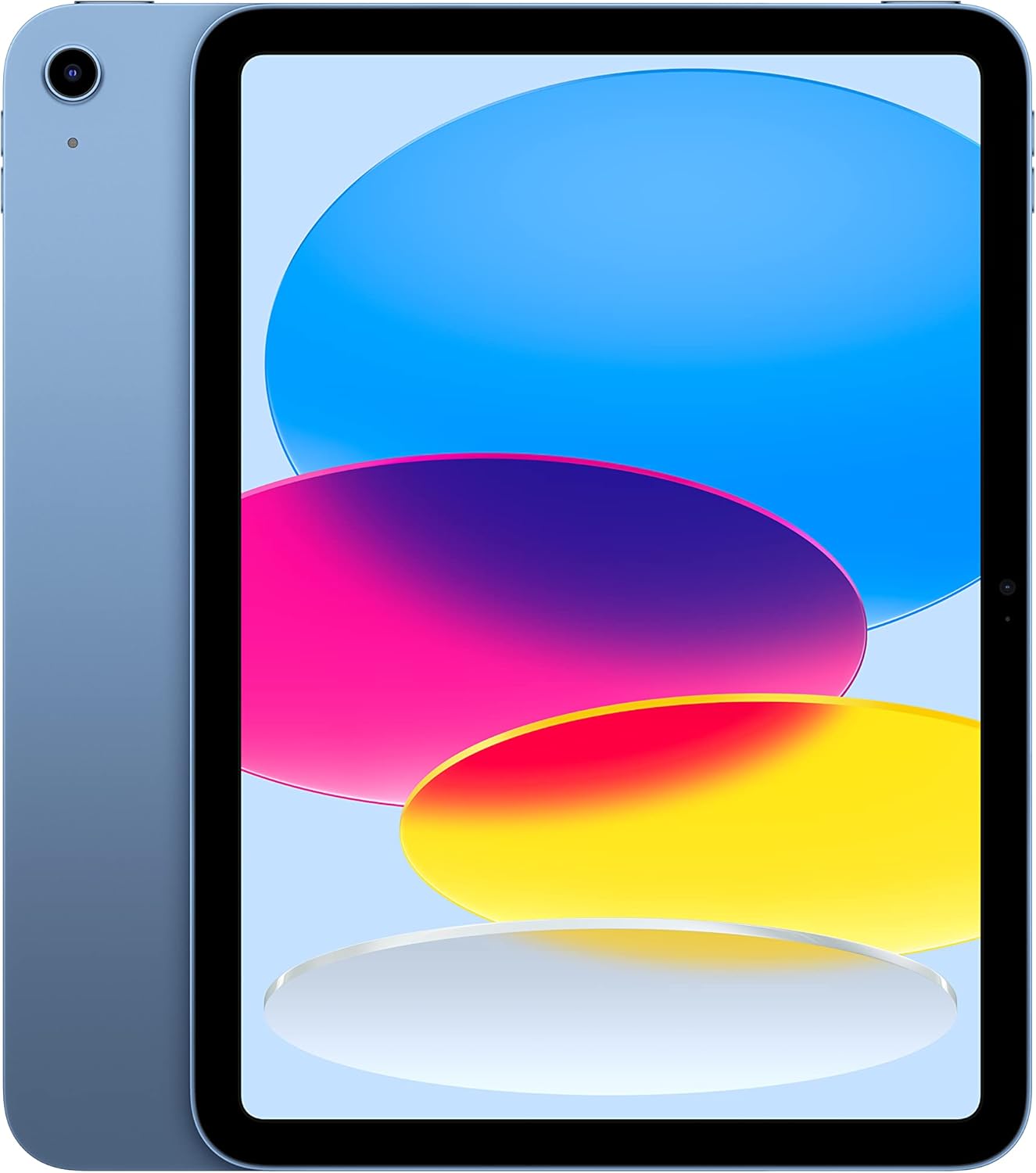
Apple iPad (10th Generation): with A14 Bionic chip, 10.9-inch Liquid Retina Display, 64GB, Wi-Fi 6, 12MP front/12MP Back Camera, Touch ID, All-Day Battery Life – Blue
This is a 10.9-inch Liquid Retina display iPad with an A14 Bionic chip and 64GB storage, best for media consumption and light productivity, but not for heavy users.