
ASUS ROG Strix 32” 4K OLED Gaming Monitor (XG32UCWMG) - TrueBlack Glossy, Dual Mode(4K@240Hz, FHD@480Hz), 0.03ms, G-SYNC Compatible, Neo Proximity Sensor, USB-C, HDMI 2.1, 3 yr Warranty
Want the best price and purchase timing?
Our AI advisor analyzes real-time pricing across all channels to find you the best deal.
AI Verdict
This 32-inch 4K 240Hz WOLED monitor with 0.03ms response and dual-mode FHD 480Hz is for serious gamers and content creators prioritizing visual fidelity and speed.
This monitor is a strong fit for users demanding top-tier visual performance and speed, offering a 32-inch 4K WOLED panel with 240Hz refresh and a 0.03ms response time. Its dual-mode functionality and comprehensive OLED care features directly address the needs of high-performance gaming and creative work.
If 4K 240Hz is overkill for your setup, look for a 1440p 240Hz OLED to save some cash without sacrificing too much speed.
Regret Score™
High RiskLower is better — measures purchase-regret risk from real buyer complaints, review credibility, and product maturity
Issues discovered after purchase
Critically weak dimension
Amazon rating vs actual quality
Chance this product isn't for you
Pros
- The 32-inch 4K (3840 x 2160) WOLED panel delivers a 1,500,000:1 contrast ratio and 1,300 cd/m² peak HDR brightness for deep blacks and vivid highlights.
- Dual-mode functionality allows switching between 4K at 240Hz for high-resolution gaming and FHD at 480Hz for competitive esports, offering flexibility for different game types.
- The 0.03ms gray-to-gray response time virtually eliminates motion blur, crucial for fast-paced gaming.
- ASUS OLED Care Pro with a Neo Proximity Sensor automatically switches to a black screen when you're away, helping to mitigate OLED burn-in risk.
- The TrueBlack Glossy panel features an anti-reflective coating that reduces ambient reflections by 38% compared to older glossy WOLEDs, enhancing clarity in brighter rooms.
- Connectivity includes DisplayPort 1.4 (DSC), HDMI 2.1, and USB-C with 15W Power Delivery, plus an Auto KVM switch for multi-device setups.
Cons
- The glossy panel, despite its anti-reflective coating, may still be prone to reflections in direct bright light sources.
- The stand offers tilt (+20° to -5°), swivel, and height adjustment, but specific ranges beyond tilt are not detailed, potentially limiting extreme positioning.
- The USB-C port only provides 15W Power Delivery, which is insufficient for charging most modern laptops.
- As a premium OLED monitor, it carries a higher price point, making it a significant investment.
Dimension Scores
The 4K WOLED panel with 1,500,000:1 contrast, 1,300 cd/m² HDR peak brightness, 99% DCI-P3 gamut, and Delta E < 2 color difference offers exceptional visual fidelity.
With a 4K 240Hz refresh rate, FHD 480Hz dual mode, and a 0.03ms GTG response time, this monitor delivers class-leading speed for gaming.
It features extensive connectivity including DisplayPort 1.4 (DSC), HDMI 2.1, USB-C with 15W PD, and Auto KVM, covering modern gaming and productivity needs.
The stand offers height, swivel, and tilt (+20° to -5°) adjustments, providing a good range of motion for comfortable viewing.
Best For
- Competitive gamers who switch between high-fidelity 4K titles and high-refresh-rate FHD esports.
- Content creators requiring precise color accuracy with 99% DCI-P3 gamut and Delta E < 2 color difference for photo and video editing.
- Users seeking a monitor with advanced burn-in prevention features for long-term OLED panel health.
- Anyone needing a single display for both high-end PC gaming and console gaming with HDMI 2.1 support.
Not Recommended For
- Budget-conscious buyers, given its premium price band.
- Users who prefer matte screens to avoid any potential reflections.
- Those needing substantial laptop charging via USB-C, as it only offers 15W Power Delivery.
Watch Out For
- The 15W USB-C Power Delivery is only enough for minor device charging, not for powering a laptop during use.
- The glossy panel, while enhancing black levels, could still be a distraction in rooms with uncontrolled bright light sources.
- Burn-in, while mitigated by OLED Care Pro and the Neo Proximity Sensor, remains a potential long-term concern for any OLED display with static elements.
Full Specifications
| ASIN | B0F732KMQQ |
| Brand | ASUS |
| Color | BLACK |
| Series | XG32UCWMG |
| Resolution | 4K 2160 |
| Item Weight | 16.1 pounds |
| Screen Size | 32 Inches |
| Aspect Ratio | 16:9 |
| Manufacturer | ASUS |
| Item model number | XG32UCWMG |
| Screen Resolution | 3440x1440 |
| Product Dimensions | 10.8 x 28.1 x 22.8 inches |
| Max Screen Resolution | 3440 x 1440 Pixels |
| Item Dimensions LxWxH | 10.8 x 28.1 x 22.8 inches |
| Screen Surface Description | Glossy |
| Standing screen display size | 32 Inches |
What Buyers Say
This monitor is so new that there's no real user feedback available yet on Amazon or Reddit. It was just released in September 2025, so any 'reviews' you find are likely marketing materials. Based on the specs, it's clearly targeting the absolute top-tier of gaming and creative professionals, but without actual user experiences, we can only speculate on real-world performance and potential quirks.
“Look, I'm hyped for this thing, but it's so new nobody's actually used it for real yet. The specs are wild, but I'm waiting to see if that glossy screen or the burn-in protection actually holds up after a year of grinding. Still, 4K 240Hz OLED? Take my money, probably.”
Common Praise
- The 4K 240Hz and FHD 480Hz dual-mode is a smart move for different game types.
- The 0.03ms response time on an OLED panel means motion clarity should be insane.
- ASUS OLED Care Pro with the Neo Proximity Sensor is a thoughtful addition for burn-in prevention.
- The TrueBlack Glossy panel with its anti-reflective coating promises deep blacks without excessive glare.
- The inclusion of HDMI 2.1 and USB-C with KVM makes it a central hub for multiple devices.
Common Complaints
- The 15W USB-C Power Delivery is pretty weak for a monitor in this class.
- A glossy screen, even with anti-reflective tech, can still be a pain if you have a window directly behind you.
- The price tag is going to be a barrier for most people, putting it firmly in the enthusiast category.
- OLED burn-in, despite ASUS's efforts, is always a lingering concern for static UI elements over years of use.
Ownership Tips
- The 'compact stand' mentioned in the description should be tested to see if it truly saves space without sacrificing stability.
- The effectiveness of the 'Clear Text Pixel Edge algorithm' in reducing color fringing needs real-world verification.
- The AI Assistant features like Dynamic Crosshair and Dynamic Shadow Boost need to be evaluated for actual gaming advantage, not just marketing fluff.
- The real-world impact of the 38% reflection reduction on the glossy panel compared to older models will be key for daily usability.
Frequently Asked Questions
Does this monitor support G-SYNC?
Yes, the ASUS ROG Strix XG32UCWMG is G-SYNC Compatible, ensuring tear-free gaming with NVIDIA graphics cards.
What is the benefit of the 'TrueBlack Glossy' panel?
The TrueBlack Glossy panel provides a zero-haze surface, resulting in exceptionally sharp imagery, deeper blacks, and more vibrant colors by reducing diffusion and reflections by 38% compared to previous glossy WOLEDs.
Can I use this monitor for both PC and console gaming?
Absolutely. With HDMI 2.1 ports, it supports the latest console features like 4K 120Hz, making it suitable for both PC and current-gen console gaming.
How does the Neo Proximity Sensor prevent burn-in?
The Neo Proximity Sensor, part of ASUS OLED Care Pro, detects when you step away from the monitor and automatically switches the screen to black, reducing the risk of burn-in from static images.
Does this monitor have a VESA mount?
Yes, it includes a VESA mount kit, allowing you to easily attach it to a monitor arm or wall mount.
Buying Guide
When you're looking at a monitor like this, you're buying into the bleeding edge of display tech. Don't just look at the numbers; think about how you actually game or work. Do you play competitive shooters where every millisecond counts, or do you prefer immersive, visually rich single-player experiences? This monitor tries to do both, but you need to decide if that flexibility is worth the premium. Also, consider your room's lighting – glossy screens are amazing for contrast but can be annoying with reflections.
WOLED Panel
This is the display technology. WOLED (White OLED) means each pixel emits its own light, allowing for perfect blacks and infinite contrast, unlike traditional LCDs that use a backlight. It's like having a tiny light switch for every single dot on your screen.
4K@240Hz, FHD@480Hz Dual Mode
This is about resolution and speed. 4K (3840x2160) gives you incredible detail, while 240Hz means the image refreshes 240 times per second for super smooth motion. The FHD (1920x1080) 480Hz mode sacrifices detail for even more speed, which is a huge advantage in fast-paced competitive games where every frame matters, like seeing an enemy a fraction of a second sooner.
0.03ms Response Time
This is how quickly a pixel can change color. 0.03ms is practically instantaneous, meaning there's almost no ghosting or blur behind moving objects. It's like having a camera with an incredibly fast shutter speed, capturing every moment crisply.
TrueBlack Glossy Panel
This refers to the screen's surface finish. 'Glossy' enhances the perceived contrast and color vibrancy, making images 'pop' more. 'TrueBlack' implies it's designed to maintain those deep blacks even with ambient light, but it can also mean more noticeable reflections compared to a matte screen.
Alternatives
If this monitor is too much, look for a 27-inch 1440p OLED with a 240Hz or 360Hz refresh rate for a balance of performance and cost, or a 32-inch 4K IPS panel if you need the resolution but can compromise on OLED's perfect blacks and response time.
You Might Also Like

KTC H27S5C 27" Curved Gaming Monitor, 1440P QHD 144Hz 120Hz Monitor, 1500R HVA Panel, HDR400, Adaptive Sync, 400nits, HDMI 2.0 x2, DP 1.4, VESA 100x100 PC Monitor
$150-$299This is a 27-inch 1440p 144Hz curved HVA panel with 400 nits brightness and HDR400, designed for gamers and creative users needing color accuracy.

CRUA 32" White Curved Monitor, 4K UHD(3840*2160P) 1500R VA Screen, 75Hz Computer Monitor Supports AMD Freesync, 120% sRGB, Built-in speakers, Blue Light Filter,Wall Mountable Installs(HDMI 2.0/DP 1.4)
$150-$299This is a 32-inch 4K (3840x2160) 1500R VA curved monitor with a 75Hz refresh rate and 260 cd/m² brightness, best for casual media consumption and productivity.

CRUA 34 Inch Curved Gaming Monitor, 21:9 WQHD 3440x1440 165Hz/144Hz 1500R Ultrawide Computer Monitor Support Freesync, PIP/PBP, 120% sRGB, HDMI 2.0 & DP 1.4, Wall Mountable/Tilt Adjustable-Black
$150-$299A 34-inch 1500R curved 3440x1440 VA panel with 165Hz refresh, 300 cd/m² brightness, and a tilt-only stand.
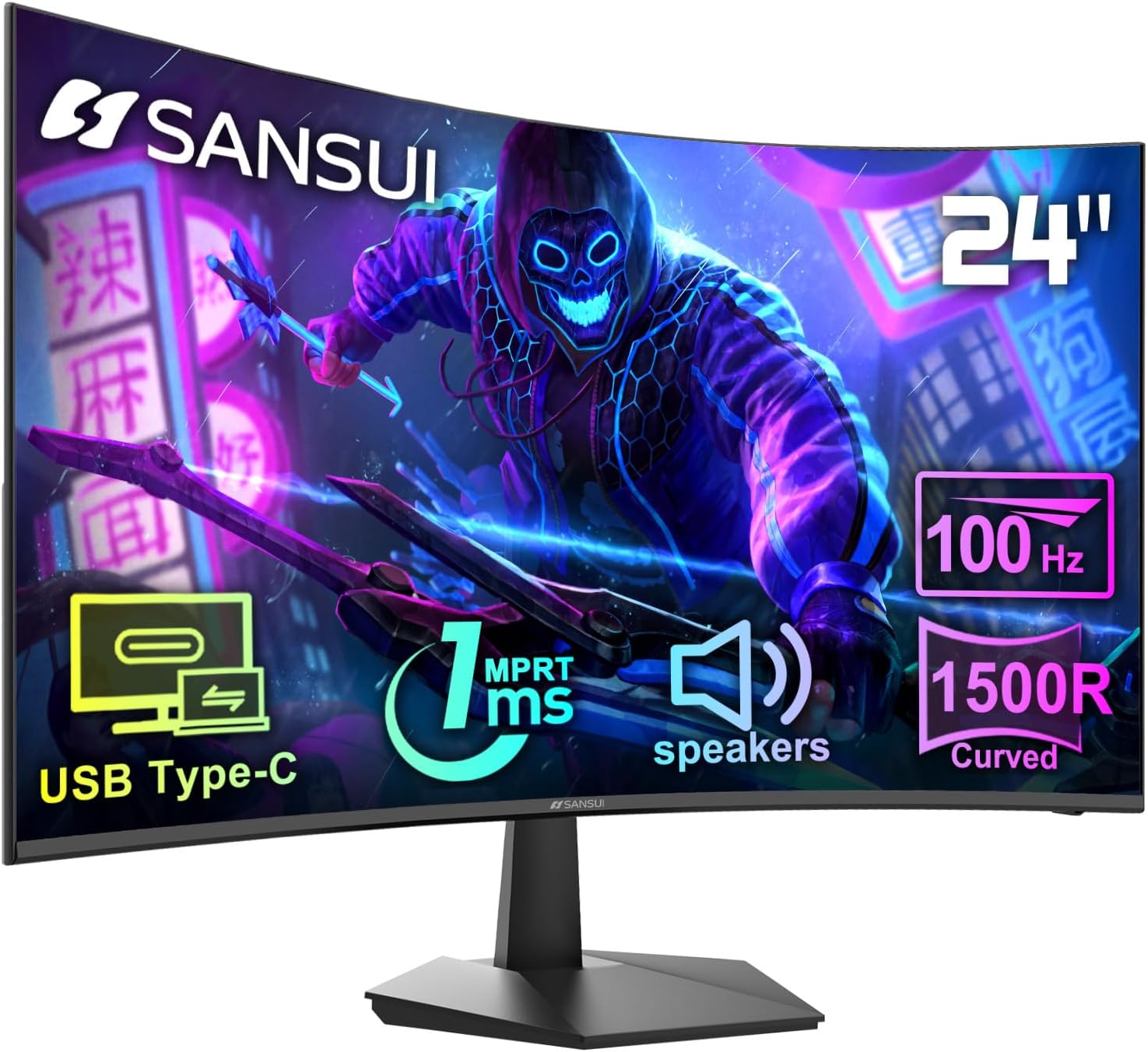
SANSUI Curved Monitor 24 inch 100Hz USB Type-C Computer Monitor with Built-in Speakers- MPRT 1ms,Adaptive Sync,HDR,1500R,VESA 75x75mm Compatible, for Home and Office(ES-24C1)
$50-$99A 24-inch, 250-nit, 100Hz VA panel with 1ms MPRT and USB-C, best for budget-conscious users needing a basic curved display.