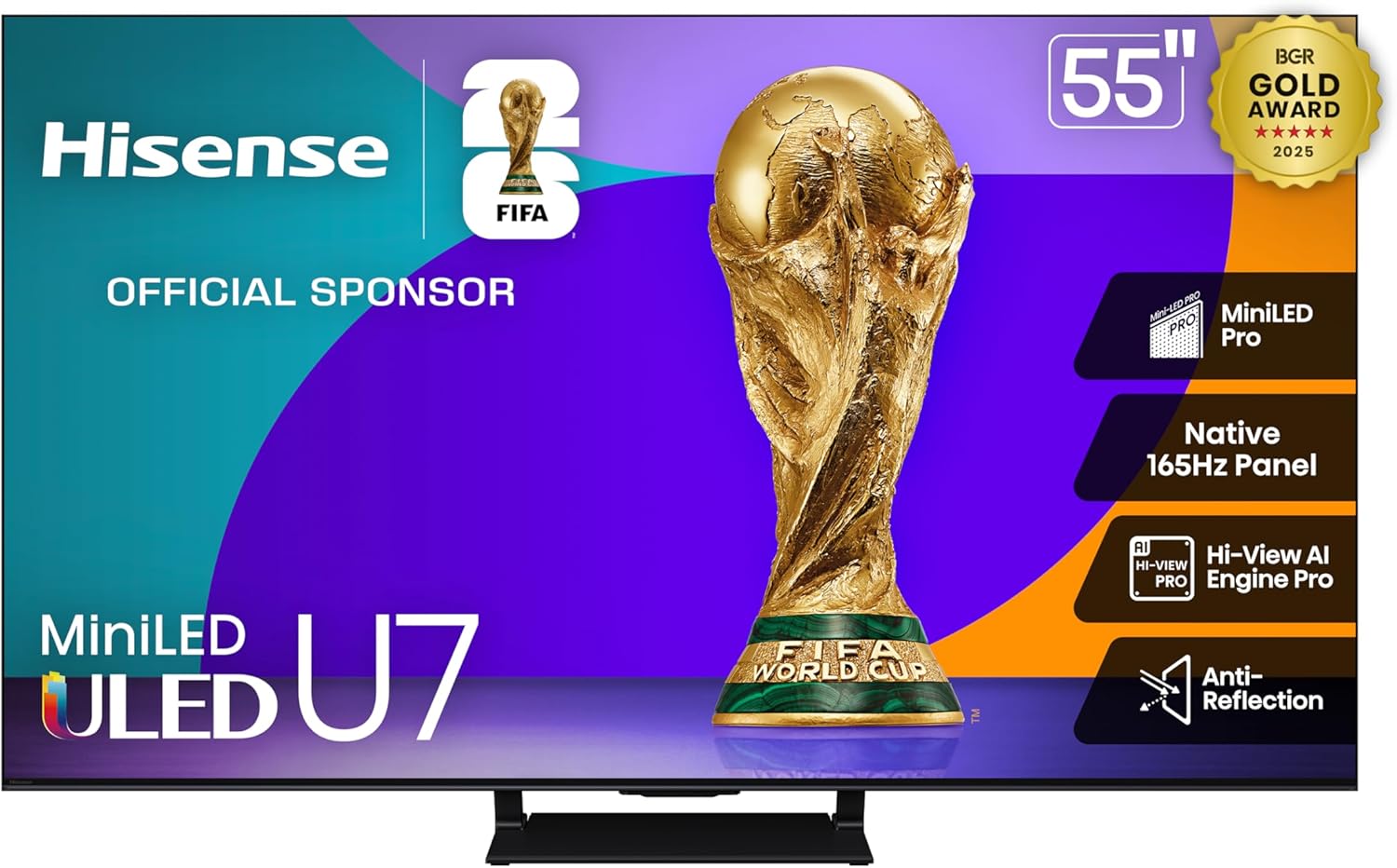
Hisense 55" U7 Mini-LED ULED 4K UHD Best Premium Gaming Google Smart TV (55U75QG, 2025 Model) - QLED, Native 165Hz, VRR 288, Up to 3000 Nits, HDR10+, Dolby Vision IQ · Atmos, IMAX Enhanced, 2.1.2 Ch
Want the best price and purchase timing?
Our AI advisor analyzes real-time pricing across all channels to find you the best deal.
AI Verdict
This 55-inch 4K Mini-LED TV with 3000 nits peak brightness and native 165Hz VRR is built for gamers and HDR content enthusiasts who don't mind tweaking settings.
This TV is a strong contender for gamers and HDR content lovers due to its 165Hz panel, 3000 nits peak brightness, and comprehensive gaming features. However, its reliance on user calibration for optimal picture, potential for motion blur, and reported smart TV sluggishness make it a situational fit for those who prioritize out-of-the-box perfection or a seamless smart TV experience.
If you prioritize a smoother, more responsive smart TV experience or less need for picture calibration, look for models with a more powerful processor or a different smart TV platform.
Regret Score™
Medium RiskLower is better — measures purchase-regret risk from real buyer complaints, review credibility, and product maturity
Issues discovered after purchase
Critically weak dimension
Amazon rating vs actual quality
Chance this product isn't for you
Pros
- Mini-LED Pro technology delivers up to 3000 nits peak brightness for impactful HDR content.
- Native 165Hz panel with Variable Refresh Rate (VRR) from 48Hz to 165Hz, plus AMD FreeSync Premium Pro, offers smooth gaming with low input lag.
- QLED Quantum Dot Color displays over a billion shades for rich, realistic visuals.
- 2.1.2 Multi-Channel Surround with Dolby Atmos provides an immersive audio experience with up-firing speakers and a subwoofer.
- Anti-Reflection technology minimizes glare and reflections, improving visibility in various room lighting conditions.
- All four HDMI ports offer full-bandwidth HDMI 2.1, supporting 4K at 165Hz and 1080p at 288Hz.
Cons
- The Google TV operating system can be laggy and slow, with apps occasionally crashing or not launching.
- Requires significant manual adjustment of picture settings (color, clarity, brightness) for optimal viewing, especially with HDR content across different streaming services.
- Noticeable motion blur can occur in fast-paced gaming due to slow pixel transitions at 165Hz and 60Hz.
- Local dimming on the 55-inch IPS/ADS-Pro panel may result in black bars appearing gray rather than truly black.
- Poor off-axis viewing and a reflective panel can degrade picture quality when viewed from an angle or in bright environments.
Dimension Scores
The Mini-LED Pro with 3000 nits peak brightness, QLED Quantum Dot Color, and support for HDR10+ and Dolby Vision IQ deliver stunning HDR visuals and a wide color gamut.
The 2.1.2 Multi-Channel Surround system with Dolby Atmos, including a subwoofer and up-firing speakers, provides a more immersive and robust audio experience than many integrated TV speakers.
The Google TV operating system is frequently reported by users as being laggy, slow, and experiencing app crashes, hindering a smooth smart TV experience.
The 55-inch screen is a popular size, and all four HDMI ports are HDMI 2.1, supporting 4K 165Hz and 1080p 288Hz, which is excellent for modern connectivity.
Best For
- Gamers seeking high refresh rates (native 165Hz, VRR 288) and low input lag for competitive play.
- Viewers in bright rooms who need a TV with high peak brightness (3000 nits) to combat ambient light.
- Movie enthusiasts who appreciate vibrant HDR content (HDR10+, Dolby Vision IQ) and are willing to calibrate picture settings.
- Users who want an immersive audio experience without an external soundbar, thanks to 2.1.2 channel audio with Dolby Atmos.
Not Recommended For
- Users expecting accurate, 'set-it-and-forget-it' picture quality out of the box without manual adjustments.
- Those sensitive to motion blur in fast-action scenes, despite the high refresh rate.
- Viewers who frequently watch from wide angles or in highly reflective environments due to off-axis viewing limitations and panel reflectivity.
Watch Out For
- The Google TV operating system can be laggy and slow, with users reporting apps constantly not launching or crashing.
- Optimal picture quality often requires extensive manual adjustments to settings like color, clarity, and brightness, with HDR content needing more tweaking across different streaming services.
- Despite a 165Hz refresh rate, pixel transitions are slow at 165Hz and 60Hz, leading to noticeable motion blur in fast-paced games and a 'blurry halo' around moving objects.
- The 55-inch model's IPS/ADS-Pro panel can cause black bars in content to appear gray instead of truly black, indicating less-than-perfect local dimming performance in these areas.
- The panel is reflective and exhibits poor off-axis viewing, making it challenging to watch clearly in bright rooms or from a side angle.
Full Specifications
| ASIN | B0F22F1VLH |
| Brand | Hisense |
| Voltage | 120 Volts |
| Wattage | 200 watts |
| Batteries | 2 AAA batteries required. |
| Brand Name | Hisense |
| Color Name | Black |
| Resolution | 4K |
| Item Weight | 35.7 Pounds |
| Screen Size | 55 Inches |
| Aspect Ratio | 16:9 |
| Refresh Rate | 165 Hz |
| Output Wattage | 50 Watts |
| Special Features | Dolby Vision IQ · Atmos, Full Array Local Dimming Pro, IMAX Enhanced, Mini-LED ULED, Native 165Hz & VRR 288, QLED Quantum Dot Color, Up to 3000 nits |
| Item model number | 55U75QG |
| Display Technology | LCD, LED, Mini Led, QLED |
| Product Dimensions | 3 x 48.3 x 28.1 inches |
| Included Components | Power Cable, QSG, Remote, Stand, TV |
| Connectivity Technology | Bluetooth, Ethernet, HDMI, USB, Wi-Fi |
| Standing screen display size | 55 Inches |
What Buyers Say
Many owners are genuinely surprised by the picture quality after they've spent time dialing in the settings, often comparing it favorably to more expensive options, especially for HDR content. However, this isn't a 'plug-and-play' TV; users frequently mention the need for extensive manual adjustments to color, clarity, and brightness to get the best out of it, with out-of-the-box settings often being oversaturated or inconsistent. The Google TV interface can be a real drag, with reports of sluggishness and apps not launching reliably. For gamers, while the high refresh rate is there, some notice motion blur in fast scenes, which is a bummer.
“Man, this TV looks amazing once you spend like an hour messing with the settings, but seriously, the Google TV is so slow sometimes I just wanna throw the remote. Still, for gaming, it's pretty sick, just wish the motion was a bit cleaner.”
Common Praise
- Picture quality is 'shockingly good' after proper tuning, with vibrant colors and deep blacks.
- The 3000 nits peak brightness makes HDR content 'pop' and helps combat glare in bright rooms.
- Gaming performance is smooth and responsive due to the native 165Hz panel, VRR, and low input lag.
- The 2.1.2 channel audio with Dolby Atmos provides an immersive sound experience that can negate the need for a separate soundbar.
- The anti-reflection screen minimizes glare, allowing for clearer viewing in various lighting conditions.
Common Complaints
- The Google TV operating system is often described as laggy and slow, with apps crashing or failing to launch.
- Achieving optimal picture quality requires significant manual calibration and tweaking of settings across different content types and streaming services.
- Motion blur is noticeable in fast-paced gaming and action scenes, despite the 165Hz refresh rate, due to slow pixel transitions.
- The 55-inch model's ADS Pro panel can lead to black bars appearing gray, and off-axis viewing is poor.
- Some users experience 'blurry halos' around fast-moving objects, which can be mitigated with motion settings adjustments but not entirely eliminated.
Ownership Tips
- Expect to spend considerable time adjusting picture settings; out-of-the-box isn't its best look.
- The Google TV interface might push you towards using an external streaming device if you value speed and responsiveness.
- Motion settings need careful adjustment to reduce blur and halos without introducing the 'soap opera effect'.
- The 55-inch model's panel type (ADS Pro) means black levels might not be as deep as some other panel types, especially with black bars.
- The anti-reflection screen helps, but extreme angles or very bright direct light can still cause issues.
Frequently Asked Questions
Is the Hisense 55U75QG good for gaming?
Yes, it's designed for gaming with a native 165Hz panel, VRR up to 288Hz, AMD FreeSync Premium Pro, and low input lag across all four HDMI 2.1 ports. However, some users have noted motion blur in fast-moving scenes.
How bright is this TV?
The TV features Mini-LED Pro technology, reaching up to 3000 nits peak brightness, which helps deliver vibrant HDR performance and minimizes glare in various lighting conditions.
What type of display panel does the 55-inch model use?
The 55-inch 55U75QG uses an ADS Pro panel. This generally provides wider viewing angles compared to VA panels, though some users report it can affect black levels, making black bars appear gray.
Does this TV have good sound quality?
It includes a 2.1.2 Multi-Channel Surround system with Dolby Atmos, featuring a subwoofer and two up-firing speakers. Many users find the built-in audio to be satisfying and potentially sufficient without an external soundbar.
Are there any common issues with the Google Smart TV system?
Some users have reported that the Google TV operating system can be laggy, slow, and prone to apps crashing or not launching, which can impact the overall user experience.
Does this TV require a lot of picture adjustments?
Many users indicate that the TV requires significant manual adjustment of picture settings to achieve optimal viewing, especially for HDR content, as out-of-the-box settings may not be ideal.
Buying Guide
When you're looking at a TV like this Hisense U7, you need to understand that 'premium gaming' often means a focus on raw specs like refresh rate and brightness. While those numbers are high here, the real-world experience can depend on how much you're willing to fine-tune it. Don't just look at the big numbers; consider how much effort you want to put into getting the best picture and if you're okay with a smart platform that might not be lightning fast.
Native 165Hz Refresh Rate & VRR 288
This means the screen can update 165 times per second, making fast-moving images, especially in games, appear much smoother and more fluid than a standard 60Hz TV. VRR (Variable Refresh Rate) up to 288Hz further eliminates screen tearing by syncing the TV's refresh rate with your game console or PC's output, like a perfectly choreographed dance between your game and your display.
Up to 3000 Nits Peak Brightness
Nits measure brightness. 3000 nits is incredibly bright, allowing the TV to display extremely vibrant highlights in HDR content (like sunlight reflecting off water) and making the picture visible even in a brightly lit room. Think of it like having a super powerful flashlight that can make certain parts of the image really 'pop'.
Mini-LED ULED & QLED Quantum Dot Color
Mini-LED means the backlight uses thousands of tiny LEDs, allowing for more precise control over brightness and darkness across the screen, leading to deeper blacks and brighter whites. QLED adds a layer of quantum dots that produce a wider range of colors, making everything look richer and more lifelike, like adding extra crayons to your coloring box.
Alternatives
If you need a TV with a faster, more polished smart interface, look for models with a different operating system or a more powerful internal processor. If out-of-the-box color accuracy and minimal motion blur are paramount, consider TVs known for superior image processing and pixel response times, even if they have slightly lower peak brightness numbers.
You Might Also Like

Panasonic Z8BAP 77 Inch OLED 4K Smart Fire TV, 144Hz TV-77Z8BAP Bundle with 4 YR CPS Enhanced Protection, WN10 Wireless TV Neck Speaker, HDMI Cable & Deco Gear Home Theater Beginner's Guidebook
$600+This 77-inch Panasonic OLED 4K Fire TV with a 144Hz panel and 170W 360 Soundscape Pro is for cinephiles and serious gamers who want premium picture and sound.

VIZIO V4K50S-0810 50" Class V-Series 4K LED HDR Compatibility Chromecast Built-in, Bluetooth Limited Edition Smart TV (Renewed)
$150-$299A 50-inch 4K UHD LED TV with Dolby Vision HDR, 60Hz refresh rate, and built-in Chromecast, best for casual viewing and light gaming on a budget.

Voice Remote for Samsung-Smart-TV-Remote-Control-Replacement, Universal for Samsung Frame Crystal QLED OLED UHD 4K 8K Voice Smart TV
This is a Bluetooth voice remote replacement for Samsung Smart TVs with voice function, featuring dedicated streaming buttons and a 40-foot range.

Amazon Fire TV 50" Omni Series (newest model), 4K UHD smart TV, hands-free with Alexa + 4-Year Protection Plan
This 50-inch 4K UHD TV with HDR10 and HLG offers hands-free Alexa control for casual viewers and smart home users.