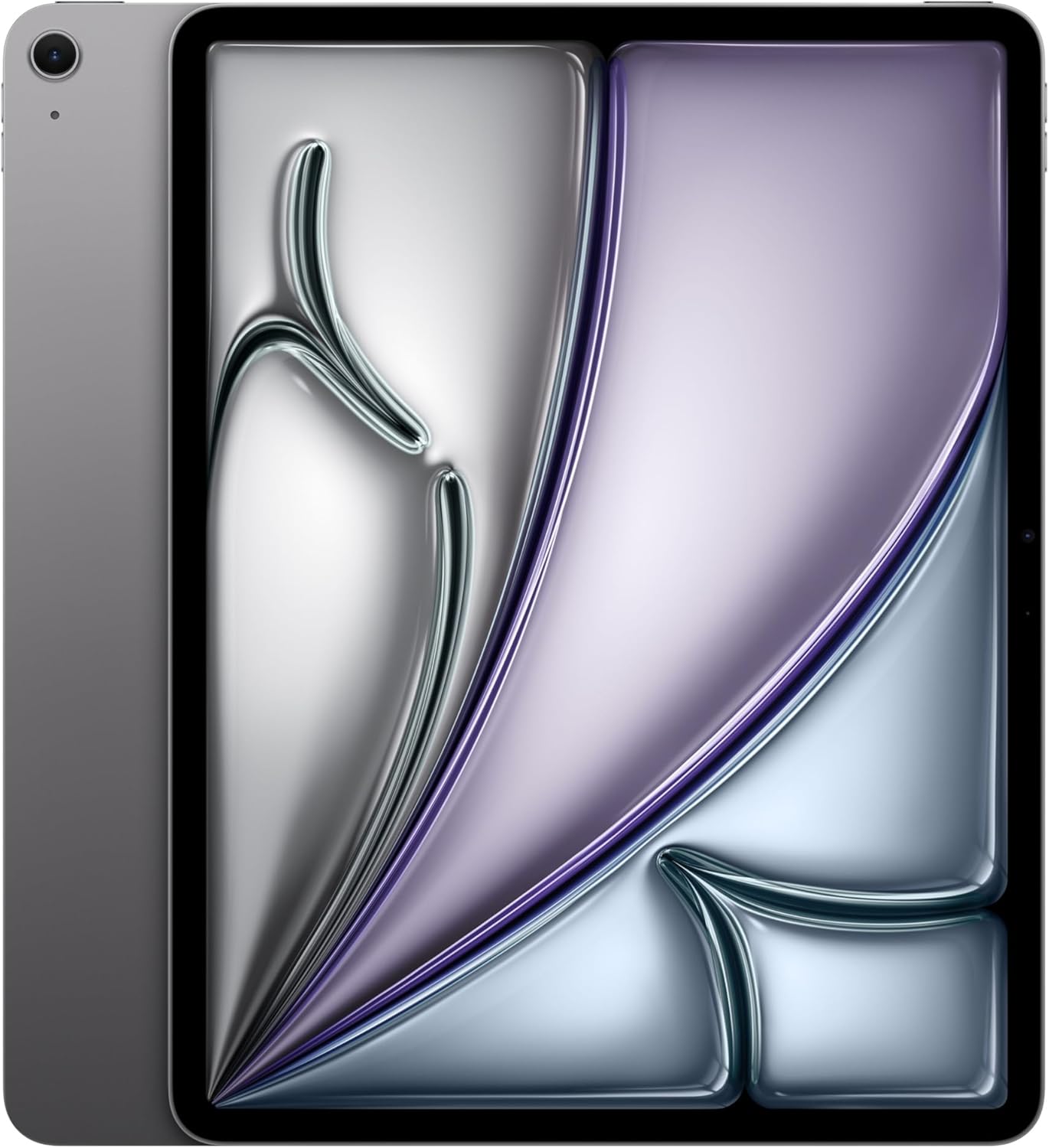
Apple iPad Air 13-inch (M4): Liquid Retina Display, 128GB, 12MP Front/Back Camera, Wi-Fi 7 with Apple N1, Touch ID, All-Day Battery Life — Space Gray
Want the best price and purchase timing?
Our AI advisor analyzes real-time pricing across all channels to find you the best deal.
AI Verdict
This 13-inch tablet with an M4 chip, 12GB RAM, Wi-Fi 7, and a 2732x2048 Liquid Retina display is for users needing desktop-level performance in a portable form factor.
This iPad Air is a strong fit for users who need the M4 chip's advanced graphics and AI performance on a large 13-inch Liquid Retina display for demanding tasks like video editing or complex multitasking. Its Wi-Fi 7 connectivity and all-day battery life support productivity and entertainment on the go.
If you need faster external peripheral support or a higher refresh rate OLED display, look for models with Thunderbolt ports and ProMotion technology.
Regret Score™
High RiskLower is better — measures purchase-regret risk from real buyer complaints, review credibility, and product maturity
Issues discovered after purchase
Critically weak dimension
Amazon rating vs actual quality
Chance this product isn't for you
Pros
- The M4 chip delivers instant response times and seamless multitasking for heavy workloads.
- 12GB RAM provides significant headroom for demanding applications and future iPadOS updates.
- The 13-inch Liquid Retina display, with its 2732x2048 resolution, P3 wide color, and 600 nits brightness, offers an immersive viewing experience.
- Wi-Fi 7 with Apple N1 chipset enables faster wireless speeds and lower latency.
- The front-facing 12MP camera is positioned on the landscape edge with Center Stage, making video calls more natural.
- Touch ID integrated into the power button is described as fast and reliable.
Cons
- The Liquid Retina display is limited to a 60Hz refresh rate, lacking the smoother experience of Pro models.
- The USB-C port offers 10 Gbps transfer speeds, which is not as fast as Thunderbolt ports found on iPad Pro models.
- The 13-inch size can feel too large for comfortable one-handed holding during extended use.
- Under direct sunlight, the 600-nit display can overheat, dim, and drain battery at a rate of 20% per hour.
- It features only two speakers, not the quad-speaker setup of the iPad Pro.
Dimension Scores
The 13-inch Liquid Retina display offers 2732x2048 resolution, P3 wide color, True Tone, and 600 nits brightness, providing sharp and vibrant visuals.
Equipped with the M4 chip (8-core CPU, 9-core GPU, 16-core Neural Engine), it delivers instant response times and handles heavy workloads and complex AI tasks seamlessly.
It offers 'all-day battery life' and holds up exceptionally well with extensive use, though intense outdoor use can drain it faster [1, 6, Feature Highlights].
Features like Touch ID, Apple Pencil Pro support, Wi-Fi 7 with Apple N1, and iPadOS capabilities ensure deep integration within the Apple ecosystem [5, 6, Feature Highlights].
Best For
- Users who want a large screen for multitasking and document editing without a laptop.
- Creatives and artists using Apple Pencil Pro for drawing and video editing.
- Individuals needing desktop-level performance for complex AI tasks and advanced graphics on a tablet [Feature Highlights].
- Anyone prioritizing a large, high-resolution display for media consumption and web browsing.
Not Recommended For
- Users who frequently hold their tablet one-handed for extended periods.
- Professionals requiring Thunderbolt peripheral speeds for external storage or high-bandwidth accessories.
- Those who need an OLED display with higher brightness (1000+ nits) and refresh rates above 60Hz.
Watch Out For
- The 600-nit Liquid Retina display can overheat and dim significantly when used under direct sunlight, potentially draining the battery by 20% per hour.
- The USB-C port only supports 10 Gbps transfer speeds, which is slower than the Thunderbolt ports on iPad Pro models.
- Despite the M4 chip, the display is limited to a 60Hz refresh rate, which some users might find less fluid than higher refresh rate screens.
- The 13-inch form factor is described as potentially 'comical' or 'too big' for comfortable one-handed use or walking around with it.
Full Specifications
| ASIN | B0GQVLJGJH |
| Brand | Apple |
| Batteries | 1 D batteries required. (included) |
| Model Name | iPad Air |
| Item Weight | 1.36 pounds |
| Screen Size | 13 Inches |
| Manufacturer | Apple |
| Item model number | MH5N4LL/A |
| Product Dimensions | 11.05 x 8.46 x 0.24 inches |
| Memory Storage Capacity | 128 GB |
| Display Resolution Maximum | 2732-by-2048-pixel resolution at 264 ppi |
What Buyers Say
Early impressions suggest the M4 iPad Air is a powerful tablet, with users highlighting its M4 chip for seamless multitasking and its 13-inch Liquid Retina display for an immersive viewing experience. However, some point out the 60Hz display and standard USB-C speeds as limitations compared to the Pro models. The front-facing camera's landscape placement and Center Stage are a welcome change for video calls.
“Okay, so the M4 chip is seriously fast, like, everything just flies, but man, I wish this screen was 120Hz, it feels a bit weird going back after using a Pro.”
Common Praise
- The M4 chip provides 'blazing fast' performance for demanding apps and AI tasks.
- The 13-inch display makes multitasking feel more immersive and less cramped.
- The display is sharp, vibrant, and has minimal bezels.
- Battery life holds up exceptionally well even with extensive use.
- The front-facing camera on the landscape edge with Center Stage improves the video call experience.
- Touch ID in the power button is fast and reliable.
Common Complaints
- The display is limited to a 60Hz refresh rate, unlike Pro models.
- USB-C transfer speeds are 10 Gbps, not the faster Thunderbolt speeds.
- The 13-inch size can be too large for comfortable one-handed holding.
- The display can overheat and dim under direct sunlight, leading to faster battery drain.
- It only has two speakers, not the quad-speaker setup found on the iPad Pro.
Ownership Tips
- The 13-inch screen size, while great for productivity, can make it less portable and harder to use casually in bed or on a couch.
- While the M4 chip is powerful, many users won't push it to its limits with typical tablet use, making its full potential overkill for some.
- The accessory ecosystem, especially the Magic Keyboard, is almost essential for a laptop-like experience, adding significant cost.
- The 600-nit display is bright indoors but struggles with reflections and direct sunlight, potentially impacting outdoor usability.
- The lack of Thunderbolt means you'll need to manage expectations for high-speed external storage or complex docking solutions.
Frequently Asked Questions
Does the 13-inch M4 iPad Air support the Apple Pencil Pro?
Yes, the M4 iPad Air supports both the Apple Pencil Pro and the Apple Pencil (USB-C).
What kind of display does the 13-inch M4 iPad Air have?
It features a 13-inch Liquid Retina display with a 2732x2048 resolution, P3 wide color, True Tone, and 600 nits maximum brightness.
Is the M4 chip a significant upgrade for the iPad Air?
Yes, the M4 chip offers an 8-core CPU, 9-core GPU, and 16-core Neural Engine, providing up to 30% faster multi-core CPU performance compared to the previous M3 model.
What are the connectivity options for the new iPad Air?
It includes Wi-Fi 7 with Apple N1 for fast wireless connections and a USB-C port that supports 10 Gbps transfer speeds and external displays up to 6K resolution.
Does the 13-inch M4 iPad Air have Face ID?
No, it features Touch ID integrated into the power button for secure authentication.
How is the battery life on the 13-inch M4 iPad Air?
Apple rates it for 'all-day battery life,' with user reports indicating it holds up exceptionally well even with extensive use like video streaming and light editing [1, Feature Highlights].
Buying Guide
When you're looking at a tablet like the iPad Air, you need to think about how you'll actually use it. The screen size directly impacts portability versus productivity, and the chip determines how smoothly demanding apps run. Don't get caught up in just the 'M4' hype; consider if your daily tasks truly need that much power or if you'd benefit more from other features.
M4 Chip
This is the brain of your iPad. The M4 chip means apps open instantly, multitasking is smooth, and even complex tasks like video editing or AI features run without a hitch, similar to a powerful laptop.
Liquid Retina Display
This is your window to everything. A Liquid Retina display means sharp text, vibrant colors, and good brightness for watching movies or editing photos. Think of it like a really high-quality TV screen, but in your hands.
Wi-Fi 7 with Apple N1
This is how fast your iPad talks to the internet. Wi-Fi 7 is the latest and fastest standard, so your downloads will be quicker, streaming will be smoother, and online gaming will have less lag, assuming your router also supports it.
128GB Storage
This is how much stuff your iPad can hold, like apps, photos, and movies. 128GB is a good starting point for casual use, but if you plan on downloading a lot of large games, 4K videos, or working with big project files, you might fill it up quickly.
Alternatives
If you need an even smoother display with higher refresh rates and deeper blacks, look for tablets with OLED panels and ProMotion technology; if you need faster external connectivity, prioritize models with Thunderbolt ports.
You Might Also Like

Amazon Kindle Paperwhite (16 GB) – Now with a larger display, adjustable warm light, increased battery life, and faster page turns – Black
This is a 16 GB e-reader with a 6.8” 300 ppi glare-free display and adjustable warm light, ideal for dedicated readers wanting a distraction-free experience.
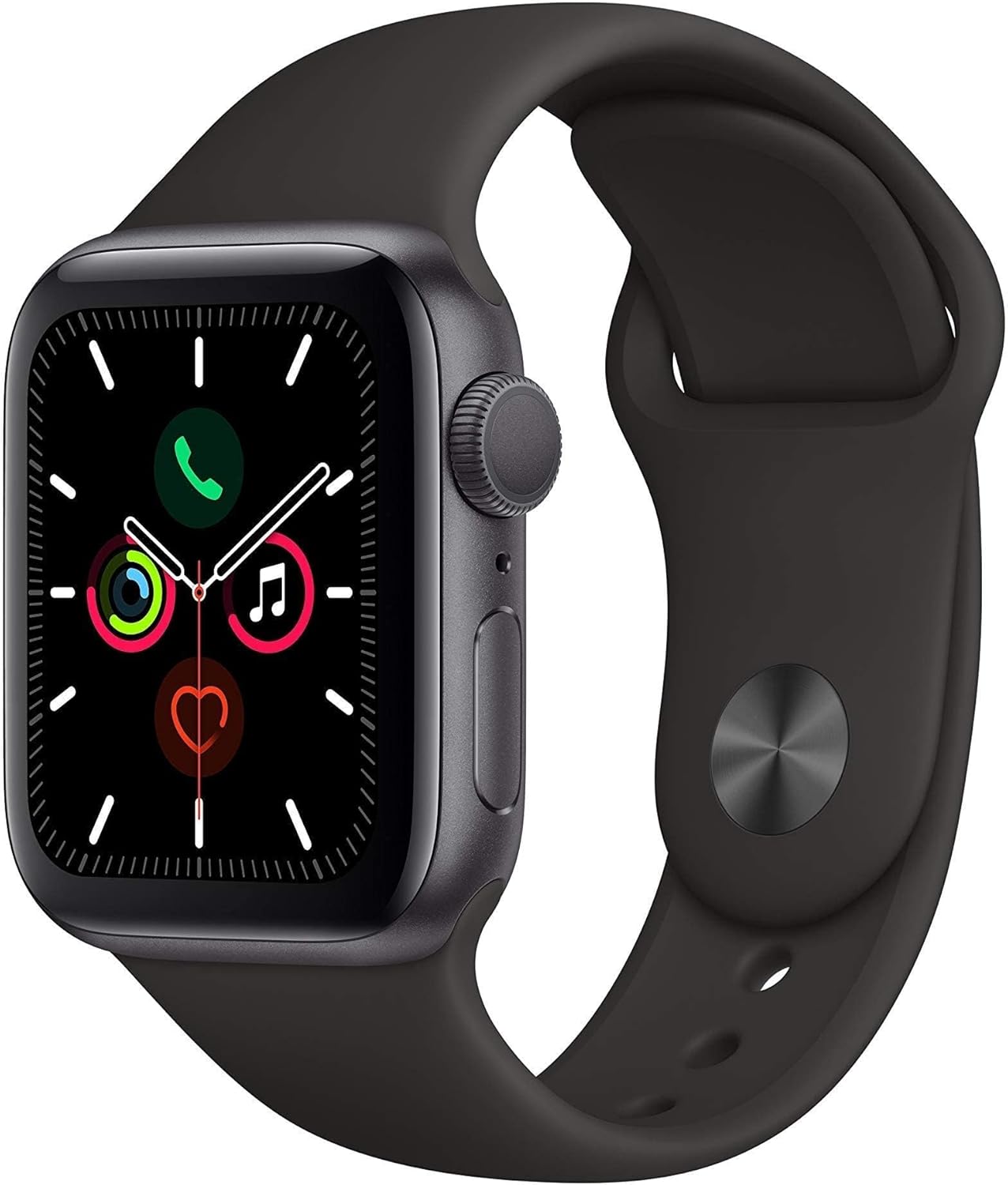
Apple Watch Series 5 (GPS, 44MM) - Space Gray Aluminum Case with Black Sport Band (Renewed)
This 44mm Apple Watch Series 5 with 32GB storage and an Always-On Retina display is for iPhone users wanting core smartwatch features at an entry-plus price.

Fitbit Inspire 3 Health &-Fitness-Tracker with Stress Management, Workout Intensity, Sleep Tracking, 24/7 Heart Rate and more, Midnight Zen/Black One Size (S & L Bands Included)
A 0.76-inch color touchscreen tracker with up to 10-day battery life, focused on basic health metrics and sleep, for those prioritizing comfort over advanced smartwatch features.

Wepro Band Compatible with Fitbit Versa 2 Bands for Women Men, Soft Band Compatible with Fitbit Versa Bands, Sport Waterproof Breathable Replacement Wristband Strap for Versa Lite, Large, Black, 1 Pack
This is a soft elastomer replacement band for Fitbit Versa, Versa 2, and Versa Lite, available in two sizes and multiple colors.