
HUION Full-Featured USB-C to USB-C Cable Support USB3.1 GEN2 DP Signal for Graphic Drawing Tablet with Screen Kamvas 12/13(Gen3)/16(Gen3)/16(2021)/22/24/22 Plus/24 Plus, 3.2ft
Want the best price and purchase timing?
Our AI advisor analyzes real-time pricing across all channels to find you the best deal.
AI Verdict
This 3.2ft HUION USB-C cable delivers 10Gbps data, 4K video, and 100W power for compatible Huion Kamvas tablets and host devices supporting USB3.1 GEN1 DP1.2 Alt mode.
This cable is a specific solution for a defined set of Huion Kamvas tablets and requires equally specific capabilities from the host device, namely USB3.1 GEN1 data transfer and DP1.2 Alt mode. If your setup meets these exact requirements, it simplifies connectivity significantly. If not, it won't work as intended.
If your current setup doesn't meet the USB3.1 GEN1 DP1.2 Alt mode requirement, look for a tablet that includes a traditional 3-in-1 cable or ensure your next computer has the necessary USB-C port capabilities.
Regret Score™
High RiskLower is better — measures purchase-regret risk from real buyer complaints, review credibility, and product maturity
Issues discovered after purchase
Critically weak dimension
Amazon rating vs actual quality
Chance this product isn't for you
Pros
- Transfers data at up to 10Gbps, supporting USB 3.1 GEN2 SuperSpeed+ speeds.
- Outputs 4K video signals via DisplayPort (DP) compatibility.
- Provides up to 100W/20V/5A power delivery, enabling faster charging.
- Offers a single-cable solution for video, data, and charging, reducing workspace clutter.
- Compatible with a wide range of specific Huion Kamvas models, including Kamvas 12, 13, 16 (2021), 22, 24, and various Pro series.
Cons
- Requires the host PC or Android device's Type-C port to support USB3.1 GEN1 data transfer protocol and DP1.2 Alt mode.
- Measures only 3.2 feet (1 meter) in length, which can be restrictive for some setups.
- Explicitly not compatible with Kamvas Pro 12, Kamvas Pro 13, and Kamvas Pro 16 (1080P versions).
Dimension Scores
The cable supports the transmission of 4K video signals via DisplayPort, which is a high resolution for video output.
It offers 10Gbps data transfer speeds (USB 3.1 GEN2) and up to 100W power delivery, which are high specifications for a USB-C cable.
As a passive cable, it does not have its own battery life.
The cable is designed for seamless single-cable integration within the specific Huion Kamvas ecosystem and compatible Android devices, provided the host device meets the USB3.1 GEN1 DP1.2 Alt mode standard.
Best For
- Artists using compatible Huion Kamvas tablets who want a single cable for video, data, and power.
- Users with a clean desk setup who want to minimize cable clutter.
- Individuals needing 4K video output from their Huion tablet to a compatible display.
Not Recommended For
- Users with Huion Kamvas Pro 12, Pro 13, or Pro 16 (1080P versions) tablets.
- Anyone whose computer or Android device lacks a USB-C port supporting USB3.1 GEN1 data transfer and DP1.2 Alt mode.
- Setups requiring a cable longer than 3.2 feet for connectivity.
Watch Out For
- The host device (PC or Android) must specifically support USB3.1 GEN1 data transfer protocol and DP1.2 Alt mode for the cable to function as a single-cable solution.
- The 3.2-foot length can be too short for connecting a tablet to a desktop tower under a desk, forcing the tablet closer to the computer.
- This cable will not work with older Kamvas Pro 12, Kamvas Pro 13, or Kamvas Pro 16 (1080P versions), despite being a Huion product.
Full Specifications
| ASIN | B08CHGRL44 |
| Brand | HUION |
| Color | Black |
| Shape | Round |
| Wattage | 100 watts |
| Cable Type | USB |
| Model Name | UC06A |
| Unit Count | 1 Count |
| Item Weight | 1.44 ounces |
| Manufacturer | ShenZhen Huion Animation Technology Co., LTD |
| Connector Type | USB Type C |
| Number of Pins | 24 |
| Number of Items | 1 |
| Special Feature | Data Transfer |
| Connector Gender | USB-C to USB-C |
| Item model number | UC06A |
| AC Adapter Current | 5 Amps |
| Compatible Devices | Kamvas 13(Gen3), Kamvas 16 2021, Kamvas 16(Gen3), Kamvas 22, Kamvas 22 Plus |
| Data Transfer Rate | 100 Megabytes Per Second |
| Package Dimensions | 6.89 x 4.53 x 0.67 inches |
| Indoor/Outdoor Usage | Indoor, Outdoor |
| Customer Package Type | Standard Packaging |
| Compatible Phone Models | S10+, S20 Pro, Samsung Galaxy S |
| Recommended Uses For Product | connecting specific Huion drawing monitors to PCs or Android devices |
What Buyers Say
This Huion USB-C cable is designed to simplify your setup by handling video, data, and power through one connection, but its functionality hinges entirely on strict compatibility requirements. Many users find it works as advertised for their specific Huion Kamvas tablets, allowing for a cleaner workspace. The main hurdle for buyers is ensuring their computer or Android device's USB-C port actually supports the necessary USB3.1 GEN1 data transfer and DP1.2 Alt mode, which isn't always obvious. The 3.2-foot length also means you need to plan your desk layout carefully.
“Man, this cable is either a lifesaver for my Kamvas 22 or a total waste if your laptop doesn't have the right USB-C port, seriously check your specs before you buy or you'll be stuck!”
Common Praise
- Provides a single cable for video, data, and power, reducing cable clutter.
- Transmits 4K video signals clearly when connected to compatible devices.
- Delivers power up to 100W, allowing for faster charging of connected devices.
- Achieves 10Gbps data transfer speeds for quick file movement.
- Works perfectly as a plug-and-play solution for listed compatible Huion tablets and host devices.
Common Complaints
- The 3.2-foot cable length is often too short for comfortable desktop setups, limiting placement options.
- Many users encounter issues because their computer's USB-C port does not support the required USB3.1 GEN1 data transfer and DP1.2 Alt mode.
- The cable is not compatible with certain older Kamvas Pro models (Pro 12, Pro 13, Pro 16 1080P versions), leading to confusion.
Ownership Tips
- You absolutely need to confirm your computer's USB-C port supports DP Alt mode and USB3.1 GEN1; it's not just about having a USB-C port.
- The 3.2-foot length means your tablet will be pretty close to your computer, so measure your setup before committing.
- Even if your computer meets the specs, some Android devices might still need an extra power source for the tablet when using this cable.
- This cable replaces the bulky 3-in-1 cable, making the setup much cleaner if it works for you.
Frequently Asked Questions
What does 'full-featured' mean for this USB-C cable?
A 'full-featured' USB-C cable like this one means it can transmit video, data, and power simultaneously over a single connection.
Which Huion tablets are compatible with this cable?
It's compatible with Kamvas 12, Kamvas 13 (Gen3), Kamvas 16 (Gen3), Kamvas 16 (2021), Kamvas 22, Kamvas 22 Plus, Kamvas 24, Kamvas 24 Plus, Kamvas Pro 16 (2.5K), Kamvas Pro 13 (2.5K), Kamvas Pro 16 (4K), Kamvas Pro 16 Plus (4K), and Kamvas Pro 24 (4K).
Can I use this cable with my Android phone or tablet?
Yes, you can connect to specific Android devices, but they must support USB3.1 GEN1 data transfer protocol and DP1.2 Alt mode. Extra power might be needed for the tablet.
What is the length of this cable?
The cable is 3.2 feet (approximately 1 meter) long.
Will this cable charge my Huion tablet?
Yes, it supports USB power delivery up to 100W/20V/5A, which can charge your compatible devices.
Why isn't my Huion tablet working with this cable?
First, check if your specific Kamvas model is listed as compatible. Second, verify that your computer or Android device's USB-C port supports USB3.1 GEN1 data transfer and DP1.2 Alt mode, as this is a strict requirement.
Buying Guide
When buying a USB-C cable for a drawing tablet, you need to understand that not all USB-C ports or cables are created equal. A 'full-featured' cable like this one carries video, data, and power, but your computer's USB-C port must also specifically support these functions, particularly DisplayPort Alternate Mode (DP Alt mode) and a certain USB generation for data transfer. Don't just assume any USB-C port will work.
10Gbps Data Transfer (USB3.1 GEN2)
This is how fast files move between your tablet and computer. 10Gbps is like a super-fast highway for your artwork, ensuring your strokes register instantly and large files transfer quickly without lag.
4K Video Output (DP Signal)
This means the cable can send a high-resolution 4K video signal from your computer to your tablet's screen. It's like having a crystal-clear window for your digital canvas, showing every detail sharply.
100W Power Delivery
This is how much power the cable can deliver to charge your tablet. 100W is a lot, meaning your tablet can charge quickly and stay powered during long drawing sessions without needing a separate power brick.
Alternatives
If this cable's 3.2-foot length is too short, look for a longer USB-C cable that explicitly states support for USB 3.1 GEN2, 4K video (DP Alt Mode), and 100W power delivery. If your device doesn't support DP Alt Mode, you'll need a tablet that uses a traditional 3-in-1 cable with HDMI and separate USB connections.
You Might Also Like

Amazon Kindle Paperwhite (16 GB) – Now with a larger display, adjustable warm light, increased battery life, and faster page turns – Black
This is a 16 GB e-reader with a 6.8” 300 ppi glare-free display and adjustable warm light, ideal for dedicated readers wanting a distraction-free experience.
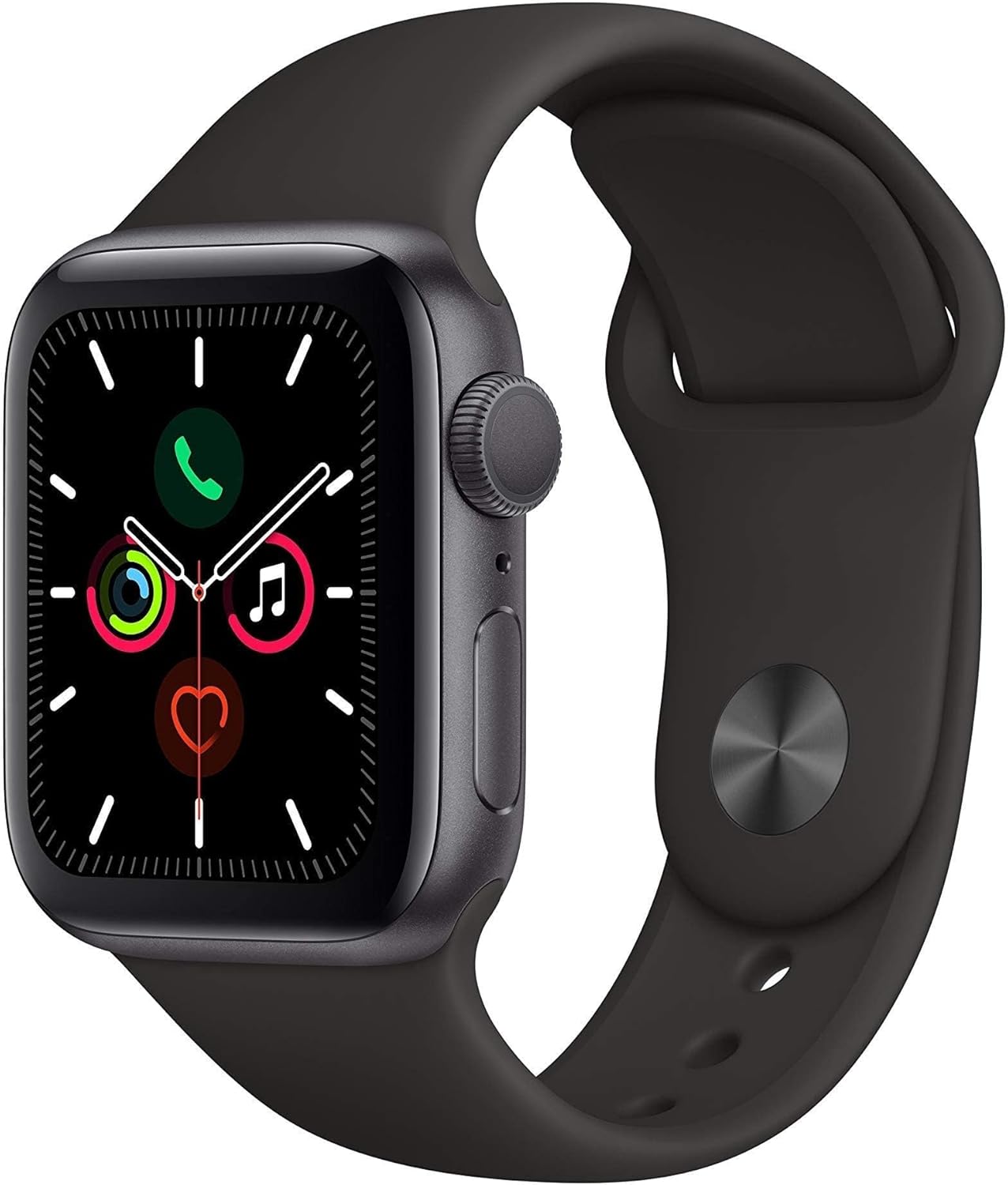
Apple Watch Series 5 (GPS, 44MM) - Space Gray Aluminum Case with Black Sport Band (Renewed)
This 44mm Apple Watch Series 5 with 32GB storage and an Always-On Retina display is for iPhone users wanting core smartwatch features at an entry-plus price.

Fitbit Inspire 3 Health &-Fitness-Tracker with Stress Management, Workout Intensity, Sleep Tracking, 24/7 Heart Rate and more, Midnight Zen/Black One Size (S & L Bands Included)
A 0.76-inch color touchscreen tracker with up to 10-day battery life, focused on basic health metrics and sleep, for those prioritizing comfort over advanced smartwatch features.

Wepro Band Compatible with Fitbit Versa 2 Bands for Women Men, Soft Band Compatible with Fitbit Versa Bands, Sport Waterproof Breathable Replacement Wristband Strap for Versa Lite, Large, Black, 1 Pack
This is a soft elastomer replacement band for Fitbit Versa, Versa 2, and Versa Lite, available in two sizes and multiple colors.