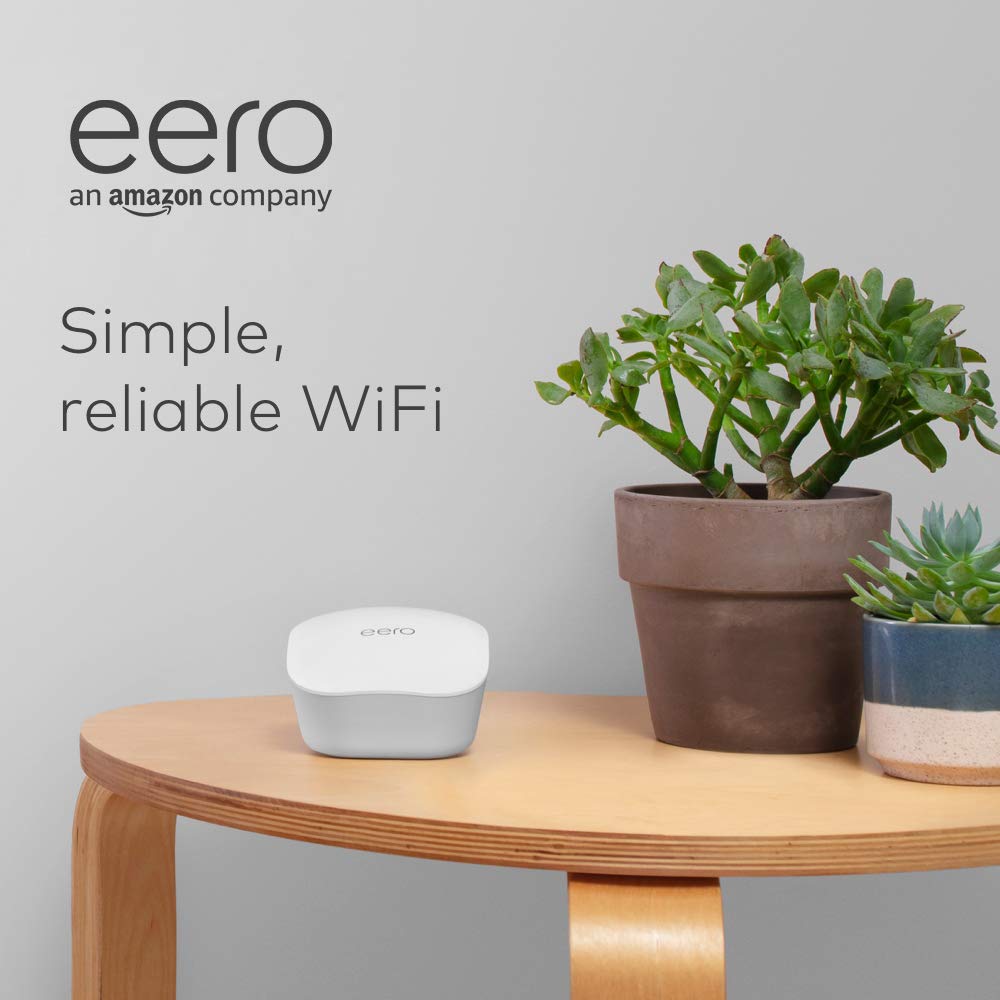
Like-New Amazon eero mesh WiFi router
Want the best price and purchase timing?
Our AI advisor analyzes real-time pricing across all channels to find you the best deal.
AI Verdict
This refurbished eero mesh router delivers up to 1,500 sq. ft. of stable WiFi coverage with simple app control, ideal for users prioritizing ease of use over advanced network customization.
This 'Like-New' eero router is a situational fit because it excels at providing easy-to-set-up, stable mesh WiFi coverage up to 1,500 sq. ft. for basic internet needs. However, its limited advanced features and reliance on a subscription for certain functionalities mean it won't satisfy users seeking granular control or top-tier speeds for very fast internet connections.
If you need faster speeds or more advanced features, look for mesh systems that specify Wi-Fi 6 or 6E support and offer more Ethernet ports per unit.
Regret Score™
Medium RiskLower is better — measures purchase-regret risk from real buyer complaints, review credibility, and product maturity
Issues discovered after purchase
Critically weak dimension
Amazon rating vs actual quality
Chance this product isn't for you
Pros
- Refurbished unit arrives in excellent condition, looking and working like new, with the same limited warranty as a new device.
- Setup completes in under 10 minutes through the eero app, which also provides network management from any location.
- Provides consistent WiFi coverage across multiple levels and throughout homes, eliminating dead zones.
- Integrates with Alexa devices for managing WiFi access.
- Hardware is cross-compatible, allowing for easy system expansion with additional eero products.
- Allows for running two separate WiFi networks with individual names and passwords, simplifying device migration.
Cons
- Advanced networking options and detailed insights, such as traffic usage, are limited or require a paid Eero Plus subscription.
- Each eero unit typically has two Ethernet ports, with one often used for the modem, leaving limited wired connectivity options.
- The system creates a single merged network, preventing users from separating 2.4GHz and 5GHz Wi-Fi bands.
- Users report that eero systems prioritize network stability over achieving the highest possible speeds.
- Some users express discomfort with Amazon's ownership and potential data tracking practices.
Dimension Scores
Provides up to 1,500 sq. ft. of coverage with stable speeds, but users note it prioritizes stability over absolute speed, and mesh node speeds can be lower.
Users consistently report strong, consistent WiFi signals and reliable performance, solving dead zones.
Setup is completed in under 10 minutes via a user-friendly app, which also offers remote network management.
Basic security is included, but advanced parental controls and enhanced security features are locked behind a paid Eero Plus subscription.
Best For
- Non-technical users needing straightforward whole-home WiFi coverage without complex configurations.
- Homes up to 1,500 sq. ft. struggling with WiFi dead zones from a single router.
- Budget-conscious buyers looking for a certified refurbished device with a warranty.
- Existing eero users wanting to expand their current mesh system.
Not Recommended For
- Power users who require extensive network configuration options or access to advanced settings.
- Users with internet plans significantly exceeding 500Mbps, as eero prioritizes stability over raw speed.
- Individuals who prefer to manage separate 2.4GHz and 5GHz Wi-Fi networks.
- Users with numerous wired devices requiring multiple Ethernet ports per mesh unit.
Watch Out For
- Accessing features like parental controls, advanced security, and detailed traffic usage requires an Eero Plus subscription, which costs $10 per month.
- The single merged Wi-Fi network means you can't force specific devices onto the 2.4GHz or 5GHz band, which can cause compatibility issues for older smart home devices.
- While the unit covers up to 1,500 sq. ft., actual speeds at mesh nodes can be significantly lower than at the primary router, with some users reporting around 250Mbps on wireless nodes.
- Each eero unit typically offers only two Ethernet ports, with one often occupied by the internet connection, leaving only one port for wired devices.
What Buyers Say
Many users are genuinely surprised by the 'like-new' condition of these refurbished eero routers, often stating they appear brand new. The setup process is repeatedly highlighted as incredibly simple, often taking less than 10 minutes, which is a huge win for those frustrated by complex router installations. While the system delivers consistent WiFi coverage across entire homes, eliminating dead zones, some users express frustration over the lack of advanced configuration options and the need for a paid subscription to access features like parental controls. The merged 2.4GHz and 5GHz bands also come up as a point of contention for specific device compatibility.
“Dude, I was so skeptical about 'like-new' but this thing showed up looking fresh out of the box, and my dead zones are GONE. Seriously, my WiFi actually works everywhere now, even in the basement.”
Common Praise
- Refurbished unit looks and functions exactly like a new one, offering significant value.
- Setup is incredibly simple and quick, often completed in under 10 minutes.
- Provides strong, consistent WiFi coverage throughout the entire house, eliminating dead spots.
- The eero app is intuitive and makes managing the network easy from anywhere.
- Allows for creating separate guest networks with unique names and passwords.
Common Complaints
- Advanced features like parental controls and detailed traffic monitoring require a paid Eero Plus subscription.
- Limited configuration options and lack of 'knobs to turn' for advanced network settings.
- Cannot separate 2.4GHz and 5GHz Wi-Fi bands, which can cause issues with some smart home devices.
- Only two Ethernet ports per unit, with one often used for the internet connection, limits wired device connectivity.
- Speeds at mesh nodes can be noticeably slower than at the primary router.
Ownership Tips
- The eero app is essential for all setup and management, as there's no web interface for configuration.
- While it creates a single network name, devices will automatically switch between 2.4GHz and 5GHz bands, though you can't manually control this.
- If you have an internet plan faster than 500Mbps, you might not see those top speeds consistently across the mesh network.
- The compact design means it blends into home environments without being an eyesore.
- You'll likely need to purchase additional eero units if your home is larger than 1,500 sq. ft. or has many obstructions.
Frequently Asked Questions
What does 'Like-New' mean for this eero router?
A 'Like-New' eero router is a refurbished unit that has been tested and certified to function and appear identical to a new device. It also includes the same limited warranty as a brand-new eero.
How difficult is it to set up the eero mesh WiFi router?
Setup is designed to be quick and easy, typically taking less than 10 minutes through the eero app. The app guides you through the process and allows for remote network management.
Can I separate the 2.4GHz and 5GHz Wi-Fi bands with this eero?
No, eero systems create a single merged network, meaning you cannot separate or manually control which devices connect to the 2.4GHz or 5GHz bands.
Do I need a subscription for all eero features?
Basic WiFi functionality is free, but advanced features like parental controls, advanced security, and detailed network insights require an Eero Plus subscription.
How much area does a single eero router cover?
A single eero mesh WiFi router can provide fast, reliable WiFi coverage for homes up to 1,500 sq. ft.
Buying Guide
When you're looking at a mesh WiFi system like this eero, you're basically buying a team of routers that work together to blanket your home in WiFi, instead of just one router trying to do it all. This is huge for getting rid of those annoying dead spots where your internet just drops. You'll want to think about your home's size and layout – a single unit covers 1,500 sq. ft., but if you have multiple floors or thick walls, you'll likely need more units to get that consistent signal everywhere. Also, consider how much control you want over your network; eero keeps it simple, which is great for most, but not for tinkerers.
Mesh WiFi
Think of mesh WiFi like having multiple mini-routers strategically placed around your house, all broadcasting the same network. Instead of your devices clinging to a weak signal from a single router, they seamlessly switch to the closest, strongest signal, ensuring consistent coverage even as you move around.
Coverage Area (1,500 sq. ft.)
This number tells you the approximate maximum area a single eero unit can effectively cover with a strong WiFi signal. If your home is larger, or has multiple floors and dense walls, you'll need additional eero units to expand this coverage and eliminate dead zones.
Refurbished ('Like-New')
This means the product isn't brand new but has been inspected, tested, and restored to full working condition, often looking identical to a new one. It's a way to get the same performance and warranty as a new device at a lower price point.
Alternatives
If this eero doesn't quite fit, look for mesh systems that explicitly state Wi-Fi 6 or 6E for faster theoretical speeds, or models with more than two Ethernet ports per unit if you have many wired devices. Also, consider systems that allow you to separate 2.4GHz and 5GHz bands if you need that level of control.
You Might Also Like

Amazon eero Pro 7 with 1 month free eero Business (auto-renews annually) - Supports internet plans up to 5 Gbps, Coverage up to 6,000 sq. ft., Connect 600+ devices, 3-pack
$600+This 3-pack Wi-Fi 7 tri-band mesh system delivers up to 3.9 Gbps wireless speeds and 5 Gbps wired speeds, covering 6,000 sq. ft. for businesses needing high-capacity networking.

Amazon eero 6 mesh wifi add-on extender - Add up to 1,500 sq. ft. of Wi-Fi 6 coverage. Required eero mesh wifi system not included
A Wi-Fi 6 mesh extender that adds up to 1,500 sq. ft. of coverage, exclusively for existing eero network users.

TP-Link Deco S4 Mesh AC1900 WiFi System - Up to 5,500 Sq.ft. Coverage, Replaces WiFi Router and Extender, Gigabit Ports, Works with Alexa, Deco S4(3-Pack)
A 3-pack AC1900 dual-band mesh system covering 5,500 sq ft with Gigabit Ethernet, for homes needing broad Wi-Fi 5 coverage on a budget.

TP-Link Deco X55 Pro AX3000 Whole Home Wi-Fi 6 Mesh System - Coverage up to 6500 Sq.Ft & up to 150 Devices, 2x2.5G WAN/LAN Ports, 4 Streams, Wired Ethernet Backhaul, Ideal for 1Gig+ Internet, 3-Pack
A Wi-Fi 6 mesh system with AX3000 speed and 2x 2.5G ports per unit, covering 6500 sq. ft. for homes with 1Gig+ internet.