
Anker Prime Charging Station, 250W 6-Port GaN USB C Charger, 2.26" LCD Smart Display Control, Compatible with iPhone, Galaxy, MacBook, Dell for Home Office, Desk Accessories
Want the best price and purchase timing?
Our AI advisor analyzes real-time pricing across all channels to find you the best deal.
AI Verdict
This 250W GaN charging station with 4 USB-C and 2 USB-A ports is for anyone needing real-time power feedback and app control for multiple devices.
This charging station is a strong fit for users with multiple USB-C and USB-A devices who value high power output, especially the 140W USB-C port for laptops, and desire granular control and real-time feedback via its 2.26-inch LCD and companion app. Its 6-port configuration and 250W total output consolidate charging needs effectively.
If you need sustained high wattage from multiple USB-C ports simultaneously without potential throttling, look for chargers with higher individual port ratings across all USB-C outputs, or consider models with active cooling.
Regret Score™
Low RiskLower is better — measures purchase-regret risk from real buyer complaints, review credibility, and product maturity
Issues discovered after purchase
Critically weak dimension
Amazon rating vs actual quality
Chance this product isn't for you
Pros
- One USB-C port delivers 140W, charging a 16-inch MacBook Pro to 50% in 25 minutes.
- Features a 2.26-inch LCD display for real-time charging status and speed feedback.
- Includes four USB-C and two USB-A ports, allowing simultaneous charging of up to six devices.
- Connects via Bluetooth or 2.4GHz Wi-Fi for app control, offering power monitoring, scheduling, and screen brightness adjustments.
- Operates silently, even when delivering higher power outputs.
- GaNPrime technology contributes to a compact size of 4.18 × 1.58 × 3.64 inches and a weight of 22.58 oz.
Cons
- The 2.26-inch LCD screen can appear fuzzy or blurry to some users.
- Supports only 2.4GHz Wi-Fi, lacking compatibility with 5GHz networks.
- Some users report the charger getting hot and potentially throttling output to 85.8W under sustained high loads.
- Only one USB-C port supports 140W output; the other three USB-C ports max out at 100W.
Dimension Scores
One USB-C port provides 140W, capable of charging a 16-inch MacBook Pro to 50% in 25 minutes, and total output is 250W across six ports.
Users describe the unit as feeling 'solid' and 'high quality' with a good amount of weight, and it employs GaNPrime technology for efficient heat dissipation.
With four USB-C and two USB-A ports, it supports a wide range of cellular phones, tablets, and laptops, including MacBooks and Dell devices.
Measuring 4.18 × 1.58 × 3.64 inches and weighing 22.58 oz, it's compact for a 250W 6-port desktop charger, making it reasonably portable for travel.
Best For
- Home offices with multiple laptops, tablets, and phones needing simultaneous fast charging.
- Users who want detailed, real-time power consumption data for individual devices.
- Desk setups aiming to reduce cable clutter by consolidating multiple chargers into one unit.
- Individuals who prioritize app-based control and customization of charging parameters.
Not Recommended For
- Users who primarily need 5GHz Wi-Fi connectivity for smart home devices.
- Anyone needing sustained 100W+ output from multiple USB-C ports simultaneously.
- Budget-conscious buyers looking for the absolute lowest price per watt without smart features.
Watch Out For
- The 2.26-inch LCD display has been described by some users as 'blurry' or 'fuzzy,' making it less crisp than a phone screen.
- When charging a MacBook Pro M4 max under high load, one user reported the charger throttling output to 85.8W after 1 hour, despite being rated for 140W on that port.
- The device only supports 2.4GHz Wi-Fi, which might be a limitation for users with exclusively 5GHz networks or those seeking faster wireless communication.
- While rated for 250W total, some stress tests indicate it may hit thermal limits and shut down around 35 minutes when maxed out.
Full Specifications
| ASIN | B0CYLL8Y89 |
| Brand | Anker |
| Color | Phantom Gray |
| Amperage | 5 Amps |
| Item Weight | 2.33 pounds |
| Manufacturer | Anker Innovations Limited |
| Input Voltage | 240 Volts |
| Connector Type | USB Type C |
| Special Feature | Fast Charging |
| Total USB Ports | 6 |
| Special features | Fast Charging |
| Whats in the box | Charger,Welcome Guide,24-Month Warranty |
| Item model number | A2345 |
| Compatible Devices | Cellular Phones, Tablets |
| Package Dimensions | 8.46 x 5.55 x 2.44 inches |
| Included Components | Charger,Welcome Guide,24-Month Warranty |
| Other display features | Wireless |
| Connectivity technologies | USB |
What Buyers Say
The most surprising feedback is how much users appreciate the real-time power display and app control, despite some initial skepticism about its utility. Many find the ability to monitor individual port wattage and prioritize charging through the app genuinely useful for managing multiple devices. While some users report the 2.26-inch screen can be a bit fuzzy, most agree it's functional enough for its purpose. The main concern that pops up is the charger getting quite warm and potentially throttling output when pushing high wattages for extended periods, especially for power-hungry laptops.
“Okay, so the screen isn't like, Retina display sharp, but who cares? It tells me what's charging and how fast, which is all I need. My MacBook Pro actually charges fast now, and I can plug in literally everything else. It gets a little warm, but it's not melting, so I'm happy. This thing cleared up so much desk mess!”
Common Praise
- The 140W USB-C port charges a 16-inch MacBook Pro to 50% in 25 minutes.
- The 2.26-inch LCD display provides instant visual feedback on charging status and speed.
- The Anker app allows for detailed power monitoring, scheduling, and port prioritization.
- The charger operates silently, even under heavy loads.
- The compact size (4.18 × 1.58 × 3.64 inches) is appreciated for its power output.
- The inclusion of both USB-C and USB-A ports covers a broad range of devices.
Common Complaints
- The 2.26-inch LCD screen can appear blurry or fuzzy to some users.
- The charger can get quite hot when delivering 120-150W or more, with some instances of throttling to 85.8W.
- Only one USB-C port provides 140W; the other three USB-C ports are limited to 100W.
- The device only supports 2.4GHz Wi-Fi, excluding 5GHz networks.
- Some users feel the 250W total output might be overstated for sustained, simultaneous high-power charging.
Ownership Tips
- The app connectivity is more useful than expected for fine-tuning power distribution and monitoring, especially the 'Port Priority' mode.
- The physical control dial on the side is surprisingly tactile and intuitive for navigating menus and settings on the display.
- While it gets warm, it usually doesn't throttle unless under extreme, sustained high loads from multiple devices.
- The 'clock mode' on the display is a neat extra, though some wish it had alarm functionality.
- The power cable is thick and feels durable, contributing to the overall robust feel of the unit.
Frequently Asked Questions
How many devices can I charge at once?
You can charge up to six devices simultaneously using its four USB-C and two USB-A ports.
Can it fast charge my MacBook Pro?
Yes, the first USB-C port (C1) can deliver 140W, which can charge a 16-inch MacBook Pro to 50% in just 25 minutes.
Does it have an app for control?
Yes, you can connect the charger to the Anker app via Bluetooth or 2.4GHz Wi-Fi to monitor power output, schedule charging, and adjust screen brightness.
What kind of display does it have?
It features a 2.26-inch LCD display that shows real-time charging status and speed for each port.
Does it get hot during use?
It can get warm when charging at high wattages (120-150W), and some users have reported it getting very hot and potentially throttling output under sustained heavy loads.
Buying Guide
When you're looking at a charging station like this, you need to think about how many devices you're actually plugging in and what kind of power they need. Don't just look at the total wattage; check the individual port outputs. If you have a power-hungry laptop, make sure at least one USB-C port can deliver enough juice for it. Also, consider if you really need the smart display and app control, or if a simpler, cheaper charger would do the trick.
250W Total Output
140W USB-C Port
6 Ports (4 USB-C, 2 USB-A)
2.26-inch LCD Smart Display
Alternatives
If this doesn't fit, look for chargers with higher individual port wattage across all USB-C ports if you need multiple high-power connections, or a model with active cooling for sustained maximum output. If the smart features are overkill, consider a simpler multi-port GaN charger with a lower price point.
You Might Also Like

Fast Wireless Charger, NANAMI Qi Certified Wireless Charging Stand Compatible iPhone 17/17 Air/16/15/15 Pro/15 Plus/15 Pro Max/14/13/12, for Samsung Galaxy S25/S24/S23/S22/S21 and Qi-Enabled Phone
A budget Qi-certified wireless charging stand with dual coils and up to 15W output, best for overnight charging of compatible iPhones and Samsung Galaxy devices.
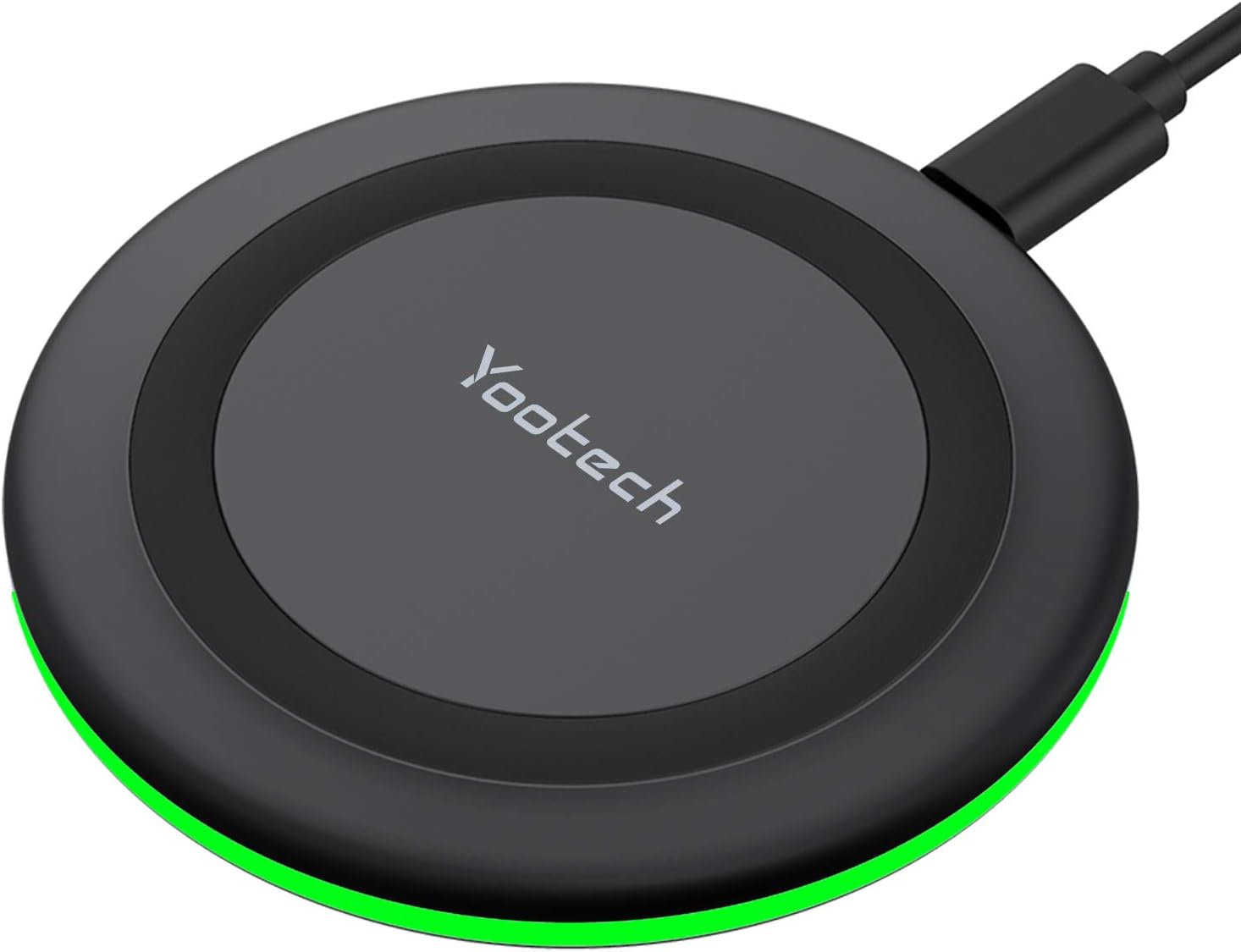
Yootech Wireless Charger,10W Max Wireless Charging Pad Compatible with iPhone 17/17 Pro/17 Pro Max/Air/16/15/14/13/SE 2022/12/11,Samsung Galaxy S25/S24/S23,for AirPods Pro 3(No AC Adapter)
This 10W wireless charging pad offers 7.5W for iPhones and 10W for Samsung Galaxy devices, but requires a separate QC 2.0/3.0 adapter for optimal speeds.
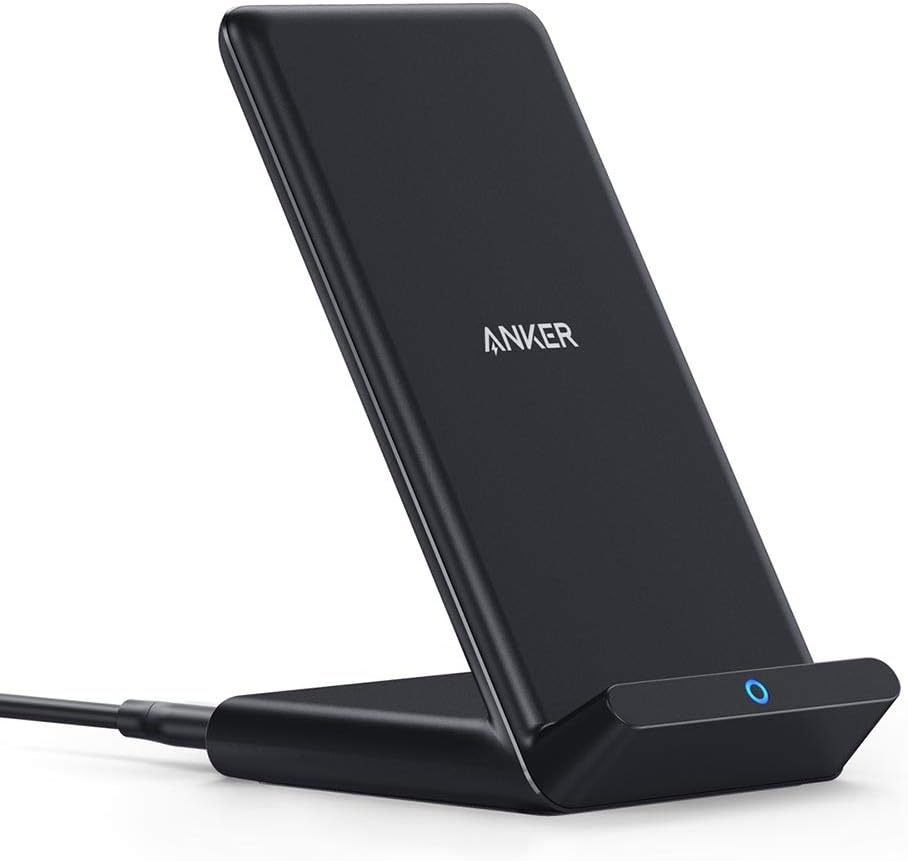
Anker 313 Wireless Charger (Stand), Qi-Certified for iPhone 17/17/17 Pro/17 Pro Max/15/14/13, 10W Fast-Charging Galaxy S23 S22 S21(No AC Adapter)
This is a 10W Qi-certified stand charger with Micro USB input, designed for convenient upright charging of iPhones and Galaxy phones.

VANMASS【85+LBS Strongest Suction & Military-Grade 2026 Ultimate Car Phone Mount【Patent & Safety Certs】 Cell Phone Holder Truck for Dashboard Windshield Vent for iPhone 17 Pro Max 16 15 for Samsung
This is a dual-mount phone holder with 85LBS suction and a 0.7-inch deep cradle, built for extreme temperatures and large phones.