
300W Charging Station for Multiple Devices, 8 Port Multi USB C Fast Charger Station Dock for MacBook iPhone 17/16/15/14/13/12 Samsung Pixel Series iPad, Black (6 Mixed Short Cables Included)
Want the best price and purchase timing?
Our AI advisor analyzes real-time pricing across all channels to find you the best deal.
AI Verdict
This 300W GaN charging station offers 5 USB-C ports (two 65W, three 30W) and three 20W USB-A ports for charging up to 8 devices simultaneously.
This Lcssio charging station is a situational fit because its 8 ports (5 USB-C, 3 USB-A) and dual 65W USB-C outputs are useful for mixed device households, but the discrepancy between advertised total wattage (300W) and actual simultaneous output (240W) means it won't deliver peak power to all devices at once. The fixed dividers also limit flexibility for diverse device sizes.
If you need consistent high-speed charging for multiple power-hungry devices, look for a charging station with higher individual port wattages that sum closer to the advertised total output, or consider models with fewer ports but higher dedicated power per port.
Regret Score™
Medium RiskLower is better — measures purchase-regret risk from real buyer complaints, review credibility, and product maturity
Issues discovered after purchase
Critically weak dimension
Amazon rating vs actual quality
Chance this product isn't for you
Pros
- Features 5 USB-C ports, including two 65W ports capable of charging laptops like MacBook Pro/Air, and three 30W ports for tablets and smartphones.
- Provides 8 total charging ports (5 USB-C, 3 USB-A) to power multiple devices concurrently.
- Includes 6 mixed short charging cables (2 Lightning, 3 Type C, 1 Micro B) for immediate use with various devices.
- Equipped with safety features including Flame Retardant Protection, Over-Current, Over-voltage, Overcharge, Overload, Overheat, and Short circuit protection.
- Designed with non-removable, sturdy dividers, including two wider slots for thicker devices or those with cases.
- Utilizes GaN technology, allowing for a compact form factor while delivering high power output.
Cons
- The advertised 300W total output is higher than the sum of the maximum individual port outputs (240W), suggesting potential power sharing limitations when all ports are in use.
- The 3 USB-A ports share a combined 20W output, which is slow for modern fast-charging devices.
- The included short cables (approx. 0.5m) might be too short for some desk setups or device placements.
- Dividers are fixed and not removable, limiting flexibility for arranging devices of varying sizes.
- Some users express general skepticism about the ability of compact chargers to deliver consistently high wattage across all ports simultaneously without issues.
Dimension Scores
Offers dual 65W USB-C ports for fast laptop charging and three 30W USB-C ports for phones, but the three USB-A ports share a slow 20W output.
Features a GaN charger and sturdy, non-removable dividers, suggesting a more robust construction than models with flimsy, removable dividers.
Includes 5 USB-C and 3 USB-A ports, plus mixed cables, making it compatible with a wide range of modern and older devices, including laptops, phones, and tablets.
Designed as a desktop charging station with anti-slip pads, it's not intended for frequent travel, but its GaN tech keeps it relatively compact for its power output.
Best For
- Families with a mix of modern USB-C and older USB-A devices needing a centralized charging hub.
- Home offices or shared workspaces where multiple laptops, tablets, and phones need simultaneous power.
- Users prioritizing desk organization and clutter reduction with a single charging station.
- Individuals with devices that benefit from 65W USB-C Power Delivery, like some laptops.
Not Recommended For
- Users who primarily need to charge multiple high-wattage laptops simultaneously at their peak speeds.
- Anyone requiring flexible or adjustable slot widths for unusually shaped devices or specific cable management.
- Travelers prioritizing extreme portability, as this is a desktop station rather than a pocket charger.
Watch Out For
- The advertised 300W total output is misleading; the sum of maximum individual port outputs is 240W (two 65W USB-C, three 30W USB-C, and three USB-A ports sharing 20W), meaning you won't get 300W across all ports simultaneously at their peak.
- The three USB-A ports collectively deliver only 20W, which is slow for fast-charging phones or tablets, potentially leading to extended charge times for those devices.
- Included cables are short, around 0.5 meters, which might necessitate purchasing longer cables for certain device placements.
- The non-removable dividers, while sturdy, prevent customization of slot widths for devices that might not fit the pre-defined sizes.
- Some users have reported compatibility issues with specific devices, such as Sony mirrorless cameras, not drawing power as expected from similar high-wattage USB-C chargers.
Full Specifications
| ASIN | B0CH4K7TVB |
| Brand | Lcssio |
| Color | Black |
| Amperage | 20 Amps |
| Item Weight | 1.39 pounds |
| Manufacturer | ShenzhenWanshunJidianZhilengShebeiYouxiangongsi |
| Input Voltage | 110 Volts |
| Connector Type | USB |
| Special Feature | Charging Station For Multiple Devices for Laptop Tablet iPad iPhone |
| Total USB Ports | 8 |
| Item model number | M5 |
| Package Dimensions | 8.43 x 4.72 x 3.03 inches |
| Compatible Phone Models | iPhone |
What Buyers Say
The Lcssio 300W charging station is a bit of a mixed bag, mostly because the '300W' headline is more of a theoretical maximum than what you'll actually get across all ports simultaneously. People seem to appreciate having a bunch of USB-C ports, especially the 65W ones for laptops, which is a definite plus for modern gear. The built-in dividers are a hit for keeping things tidy, but if you've got a bunch of older USB-A gadgets, those ports are going to feel pretty sluggish. There's also some chatter online about whether these high-wattage, compact chargers can really deliver without getting too warm or having weird compatibility quirks with specific devices.
“Look, it's got a ton of ports and the 65W USB-C ones are legit for my laptop, but don't expect all 8 devices to charge at warp speed, especially those old USB-A ones, they're basically on dial-up. Still, my desk looks way cleaner now.”
Common Praise
- The presence of 5 USB-C ports, particularly the two 65W outputs, is frequently mentioned as a significant advantage for charging modern devices.
- The non-removable, sturdy dividers are appreciated for keeping devices organized and preventing clutter.
- The inclusion of 6 mixed short cables is convenient for immediate setup and use.
- Its ability to charge multiple devices simultaneously helps reduce desktop cable mess.
Common Complaints
- Skepticism exists regarding the actual power delivery when multiple high-wattage devices are connected, given the discrepancy between advertised total wattage and summed individual port outputs.
- The 20W shared output for the three USB-A ports is considered too slow for many contemporary devices.
- The fixed nature of the dividers means they can't be adjusted for wider or irregularly shaped devices.
- Some users report general compatibility issues with certain devices not charging as expected from high-wattage USB-C ports.
Ownership Tips
- The unit can get noticeably warm when several high-power devices are charging simultaneously, though it has overheat protection.
- The short included cables are great for a compact setup but often require replacement with longer ones for more flexible placement.
- The wider slots are genuinely useful for tablets with cases, but the standard slots are snug for larger phones with bulky cases.
- The power distribution is dynamic; if you plug in a second laptop, the 65W ports might not both deliver full power simultaneously.
Frequently Asked Questions
How many USB-C and USB-A ports does this charging station have?
It has 5 USB-C ports and 3 USB-A ports, totaling 8 charging ports.
Can it charge laptops?
Yes, it has two USB-C ports that can deliver up to 65W each, suitable for charging laptops like MacBook Pro/Air.
What kind of cables are included?
It comes with 6 short mixed charging cables: 2 for iPhone & iPad (Lightning), 3 Type C, and 1 Micro B.
Does it have safety features?
Yes, it includes Flame Retardant Protection, Over-Current, Over-voltage, Overcharge, Overload, Overheat, and Short circuit protection.
Are the dividers removable?
No, the dividers are built into the housing and are not removable. Two slots are wider and taller to accommodate thicker devices.
What is the total power output?
The product is advertised with a 300W total output, but the sum of the maximum individual port outputs is 240W.
Buying Guide
When you're looking at a charging station like this, don't just stare at the big '300W' number. That's usually the theoretical maximum the internal power supply can handle, not what it can actually push out to every single port at once. You need to check the individual port wattages and how many ports are available for each type (USB-C vs. USB-A). Think about what you're actually charging most often – a laptop needs more juice than earbuds. Also, consider the physical design: fixed dividers might keep things neat, but they can be a pain if your devices are chunky.
Total Wattage (e.g., 300W)
This is the maximum power the station can *potentially* deliver. However, it's often shared, so the actual power to each device depends on how many things are plugged in and what their individual power draw is. It's like a multi-lane highway; the total capacity is high, but each car still has a speed limit.
Individual Port Wattage (e.g., 65W USB-C, 20W USB-A)
This tells you the maximum power a single port can provide. If your laptop needs 60W, make sure the station has at least one 60W (or higher) USB-C port. For phones, 18W-30W is common for fast charging. USB-A ports are typically lower wattage.
Number and Type of Ports (e.g., 5 USB-C, 3 USB-A)
This dictates how many devices you can charge and what kind. Modern devices increasingly use USB-C, so a higher count of USB-C ports is usually better for future-proofing. USB-A is still useful for older accessories or smartwatches.
Alternatives
If this station doesn't quite fit, look for models with a higher combined individual port output closer to the advertised total wattage, or prioritize fewer ports with higher, dedicated wattage per port for consistent fast charging of power-hungry devices.
You Might Also Like

Fast Wireless Charger, NANAMI Qi Certified Wireless Charging Stand Compatible iPhone 17/17 Air/16/15/15 Pro/15 Plus/15 Pro Max/14/13/12, for Samsung Galaxy S25/S24/S23/S22/S21 and Qi-Enabled Phone
A budget Qi-certified wireless charging stand with dual coils and up to 15W output, best for overnight charging of compatible iPhones and Samsung Galaxy devices.
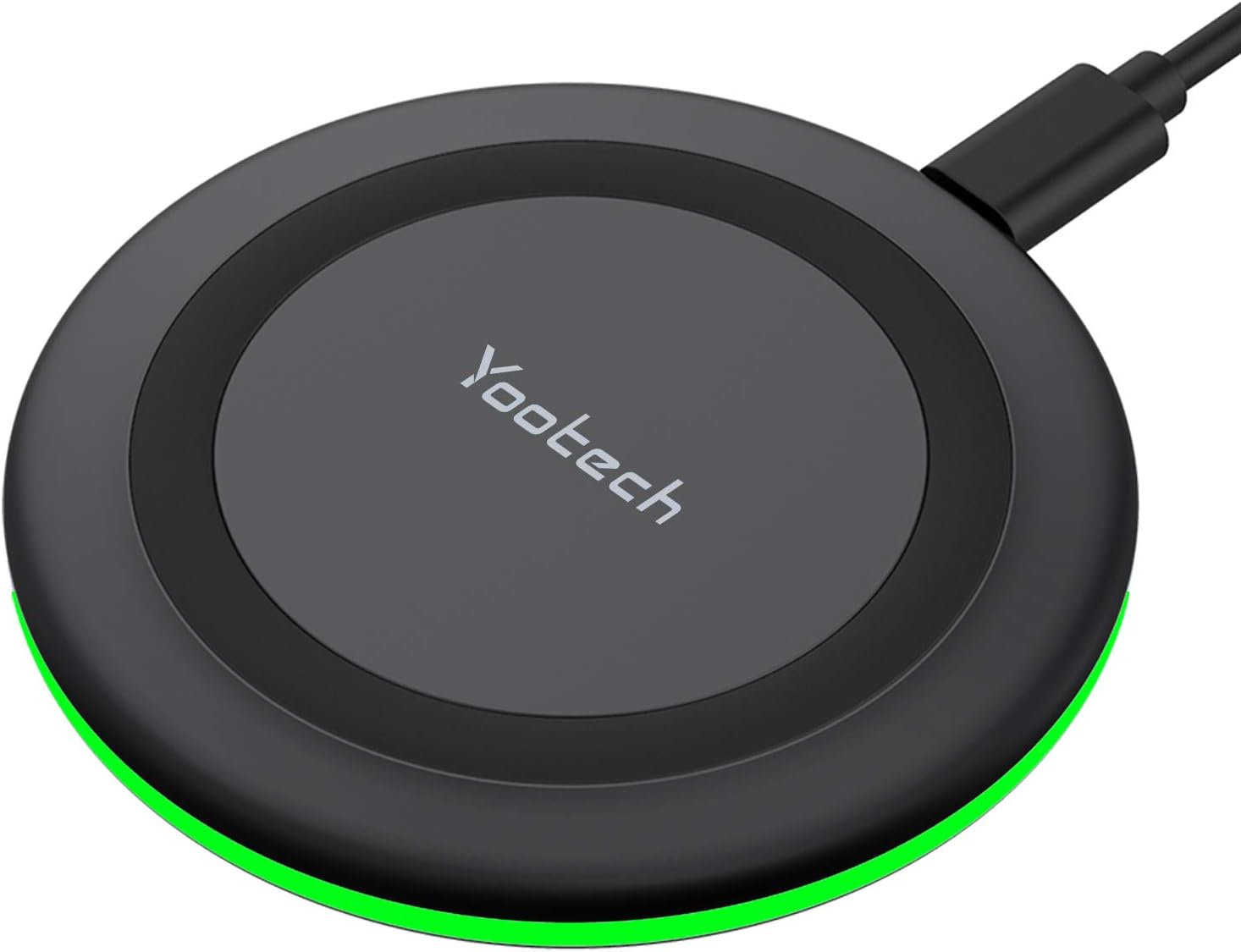
Yootech Wireless Charger,10W Max Wireless Charging Pad Compatible with iPhone 17/17 Pro/17 Pro Max/Air/16/15/14/13/SE 2022/12/11,Samsung Galaxy S25/S24/S23,for AirPods Pro 3(No AC Adapter)
This 10W wireless charging pad offers 7.5W for iPhones and 10W for Samsung Galaxy devices, but requires a separate QC 2.0/3.0 adapter for optimal speeds.
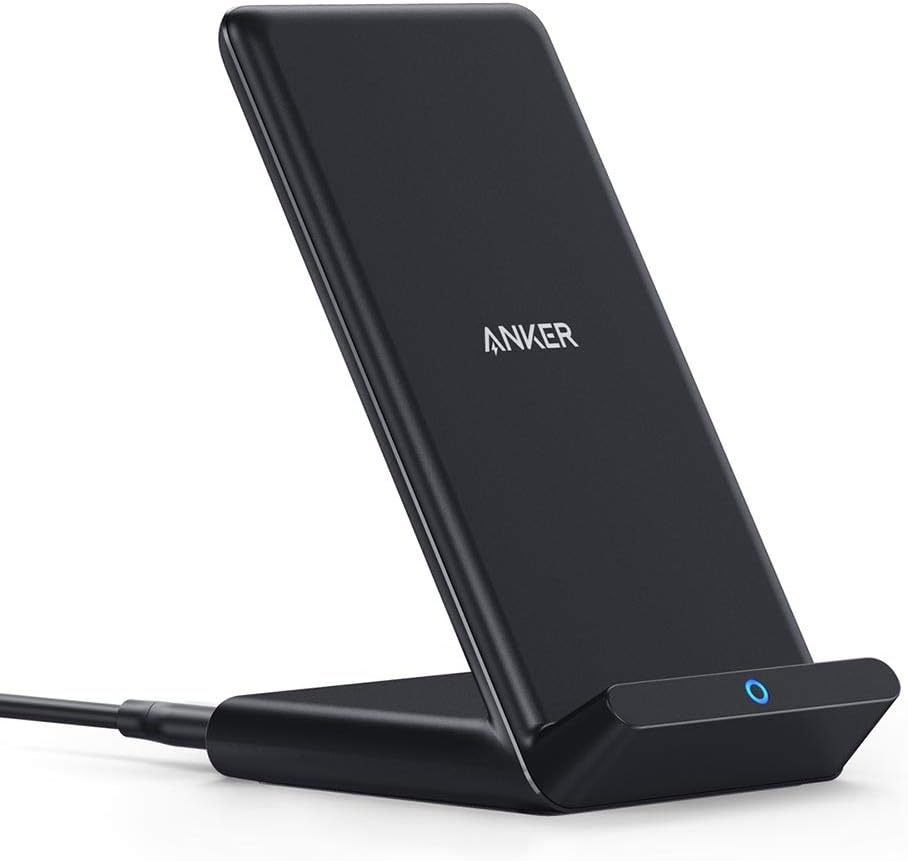
Anker 313 Wireless Charger (Stand), Qi-Certified for iPhone 17/17/17 Pro/17 Pro Max/15/14/13, 10W Fast-Charging Galaxy S23 S22 S21(No AC Adapter)
This is a 10W Qi-certified stand charger with Micro USB input, designed for convenient upright charging of iPhones and Galaxy phones.

VANMASS【85+LBS Strongest Suction & Military-Grade 2026 Ultimate Car Phone Mount【Patent & Safety Certs】 Cell Phone Holder Truck for Dashboard Windshield Vent for iPhone 17 Pro Max 16 15 for Samsung
This is a dual-mount phone holder with 85LBS suction and a 0.7-inch deep cradle, built for extreme temperatures and large phones.