
JUHOO Wireless Mouse with Nano Receiver for PC, Laptop, Notebook, Computer, MacBook, Less Noise, Portable Mobile Optical Mice.(Flower).
Want the best price and purchase timing?
Our AI advisor analyzes real-time pricing across all channels to find you the best deal.
AI Verdict
A 2.39-ounce optical wireless mouse with 2.4GHz connectivity and silent clicks, best for basic, portable navigation.
This mouse is a situational fit because its 2.4GHz wireless connectivity and 2.39-ounce weight make it portable and easy to use with devices that have a USB-A port. However, the lack of Bluetooth and adjustable DPI limits its appeal for modern setups or users needing more control.
If this mouse doesn't quite cut it, look for models with Bluetooth connectivity for broader compatibility and adjustable DPI for more precise control.
Regret Score™
High RiskLower is better — measures purchase-regret risk from real buyer complaints, review credibility, and product maturity
Issues discovered after purchase
Critically weak dimension
Amazon rating vs actual quality
Chance this product isn't for you
Pros
- 2.4GHz wireless transmission provides a stable connection up to 10 meters.
- Features a special soundless design for right and left buttons, reducing click noise.
- Tested for 5 million keystrokes, indicating durability for its price point.
- Automatically enters sleep mode after 8 minutes of inactivity to conserve power.
- Plug-and-play setup with a USB receiver hidden in the battery compartment.
- Lightweight at 2.39 ounces, making it highly portable.
Cons
- Lacks Bluetooth connectivity, requiring a USB-A port for the nano receiver, which is problematic for modern laptops without one.
- Product specifications do not mention adjustable DPI settings, suggesting a fixed sensitivity.
- Relies on a physical USB nano receiver that can be easily misplaced or lost.
- The product specifications do not state if it is rechargeable, implying it uses disposable batteries.
- Optical sensor may offer less precision compared to laser sensors for detailed work.
Dimension Scores
The optical sensor is standard, but the absence of adjustable DPI suggests a fixed, likely basic, level of precision.
At 2.39 ounces, it's lightweight and portable, but no specific ergonomic shaping or features are mentioned beyond a 'flower' design.
Only offers 2.4GHz wireless via a USB-A nano receiver, lacking Bluetooth for broader compatibility with modern devices.
The 5 million keystroke test for buttons indicates a reasonable level of durability for a budget mouse.
Best For
- Users needing a basic, portable mouse for a desktop PC or older laptop with USB-A ports.
- Individuals seeking a quiet clicking experience for shared workspaces or late-night use.
- Travelers who prioritize a lightweight (2.39 ounces) and simple plug-and-play setup.
- As a secondary mouse for general web browsing and document navigation.
Not Recommended For
- MacBook users or owners of modern laptops lacking USB-A ports, without an adapter.
- Gamers or graphic designers requiring high precision, adjustable DPI, or additional programmable buttons.
- Users who prefer rechargeable mice or multi-device Bluetooth connectivity.
Watch Out For
- The required USB-A nano receiver will occupy a port, which is a significant drawback for modern MacBooks and ultrabooks that often only have USB-C ports.
- Without explicit mention of adjustable DPI, users are likely stuck with a single, potentially low, sensitivity setting.
- The small nano receiver is prone to being lost, rendering the mouse unusable.
- The absence of a specified rechargeable battery means you'll likely be replacing disposable batteries, adding to long-term cost and inconvenience.
Full Specifications
| ASIN | B09DFJXM55 |
| Brand | JUHOO |
| Color | Flower |
| Item Weight | 2.39 ounces |
| Manufacturer | JUHOO |
| Special Feature | Wireless |
| Item model number | M101 |
| Product Dimensions | 4 x 2.5 x 0.04 inches |
| Connectivity Technology | USB, Wireless |
| Movement Detection Technology | Optical |
What Buyers Say
Specific user feedback for the JUHOO Wireless Mouse (Flower) is scarce across major review platforms like Reddit and Amazon complaints, making it difficult to pinpoint common, recurring issues beyond what's inferred from its specifications. Most discussions around similar budget mice highlight the convenience of silent clicks and portability. However, the reliance on a USB-A nano receiver is a frequent point of frustration for users with modern laptops. The lack of explicit mention of adjustable DPI or rechargeable batteries also suggests potential limitations for some users.
“Ugh, it's cute and quiet, but seriously, why no Bluetooth? Now I gotta carry an adapter for my laptop, which is just annoying. It works, but it's not ideal for my setup.”
Common Praise
- The silent left and right clicks are genuinely quiet, which is great for not annoying anyone around you.
- It's super light at 2.39 ounces, so tossing it in a bag is no big deal.
- The 2.4GHz connection is stable and works without drops up to 10 meters.
- It's truly plug-and-play; just pop in the receiver and it works.
Common Complaints
- Having to use a USB-A dongle is a pain, especially with my new MacBook that only has USB-C ports.
- I wish it had Bluetooth; I don't want to use up a precious USB port or carry an adapter.
- The sensitivity feels fixed, and I can't adjust it for different tasks.
- I'm always worried about losing that tiny nano receiver when I'm on the go.
- It probably uses regular batteries, which means I'll have to buy replacements instead of just charging it.
Ownership Tips
- The auto-sleep feature works well, but sometimes it takes a click or two to wake it up, which can be a little jarring.
- The 'flower' design is definitely a conversation starter, but it doesn't really add to the comfort or ergonomics.
- The plastic feels a bit cheap, but it's held up so far for basic tasks.
- The battery life seems okay, but I'm constantly wondering when the disposable battery will die since there's no indicator.
Frequently Asked Questions
Does this mouse have Bluetooth connectivity?
No, this mouse uses a 2.4GHz wireless connection via a dedicated USB nano receiver, not Bluetooth.
Is the JUHOO Wireless Mouse rechargeable?
The product specifications do not mention it being rechargeable, implying it operates on disposable batteries.
Can I adjust the sensitivity (DPI) of this mouse?
The product specifications do not list adjustable DPI settings, suggesting it operates at a fixed sensitivity.
Will this mouse work with my MacBook that only has USB-C ports?
You would need a USB-C to USB-A adapter to connect the mouse's nano receiver to a MacBook with only USB-C ports.
How quiet are the clicks on this mouse?
It features a 'special soundless design for the right and left buttons' to ensure less noise during use.
Buying Guide
When you're looking at a wireless mouse like this, you need to think about how you'll actually connect it. This one uses a little USB dongle, so if your laptop only has those small USB-C ports, you'll need an adapter. Also, consider if you need to change how fast your mouse pointer moves; many budget mice don't let you adjust that. Finally, think about battery life and if you're okay with disposable batteries or prefer something rechargeable.
2.4GHz Wireless Transmission
This is how the mouse talks to your computer. It uses a small USB receiver (a 'dongle') that plugs into a USB port. It's generally stable and responsive, but it means you'll use up one of your computer's USB ports.
Optical Sensor
This is the 'eye' of the mouse that tracks its movement. Optical sensors are common and work well on most surfaces, but they might not be as precise as laser sensors, especially for very detailed work or gaming.
Less Noise (Silent Click)
This means the left and right mouse buttons make very little sound when you click them. If you work in a quiet office, a library, or just don't like clicky noises, this is a feature that keeps things peaceful.
Weight (2.39 ounces)
A lighter mouse is easier to carry around in a bag and can feel less fatiguing during long use. At 2.39 ounces, this mouse is quite light, making it good for portability.
Alternatives
If this mouse doesn't fit your needs, look for models with Bluetooth connectivity for dongle-free use, adjustable DPI settings for customizable sensitivity, or a rechargeable battery for convenience.
You Might Also Like

Magnetic Charging Mouse Pad 31.5x15.75, 15W Fast Wireless Charging Desk Mat, XXL Desk Pad RGB Gaming Mousepad, Home Office Large Keyboard Pad with Ultra-Smooth Surface, Non-Slip Base
$50-$99This 31.5" x 15.75" RGB desk mat with 15W magnetic phone charging and a Qi headphone charging zone is for users wanting to declutter and illuminate their workstation.
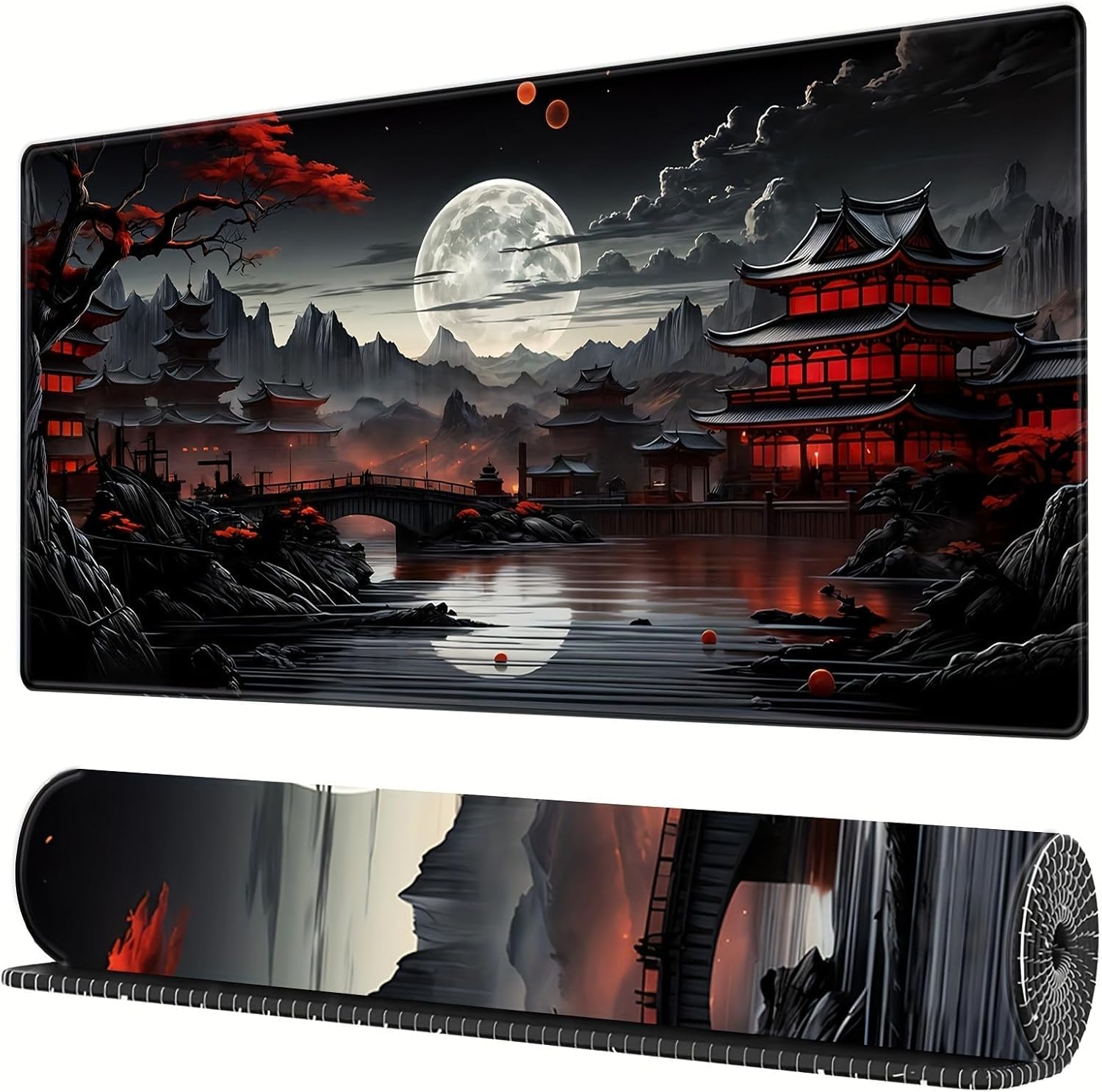
Mouse Pad Desk Mat Full Moon Desk Pad Black Red Large Mouse Pad Gaming Mousepad Extended Laptop Computer Mouse Keyboard Mat-11.8 x 31.5 in
Price range unavailableThis is a 11.8 x 31.5 inch desk mat for users needing a large, undefined surface to cover their desk, but with no available product details or user feedback.

SteelSeries QcK Gaming Mouse Pad - Small Cloth - Optimized For Gaming Sensors
A 250 x 210 x 2mm cloth pad with a non-slip rubber base, ideal for high DPI users or those with limited desk space.
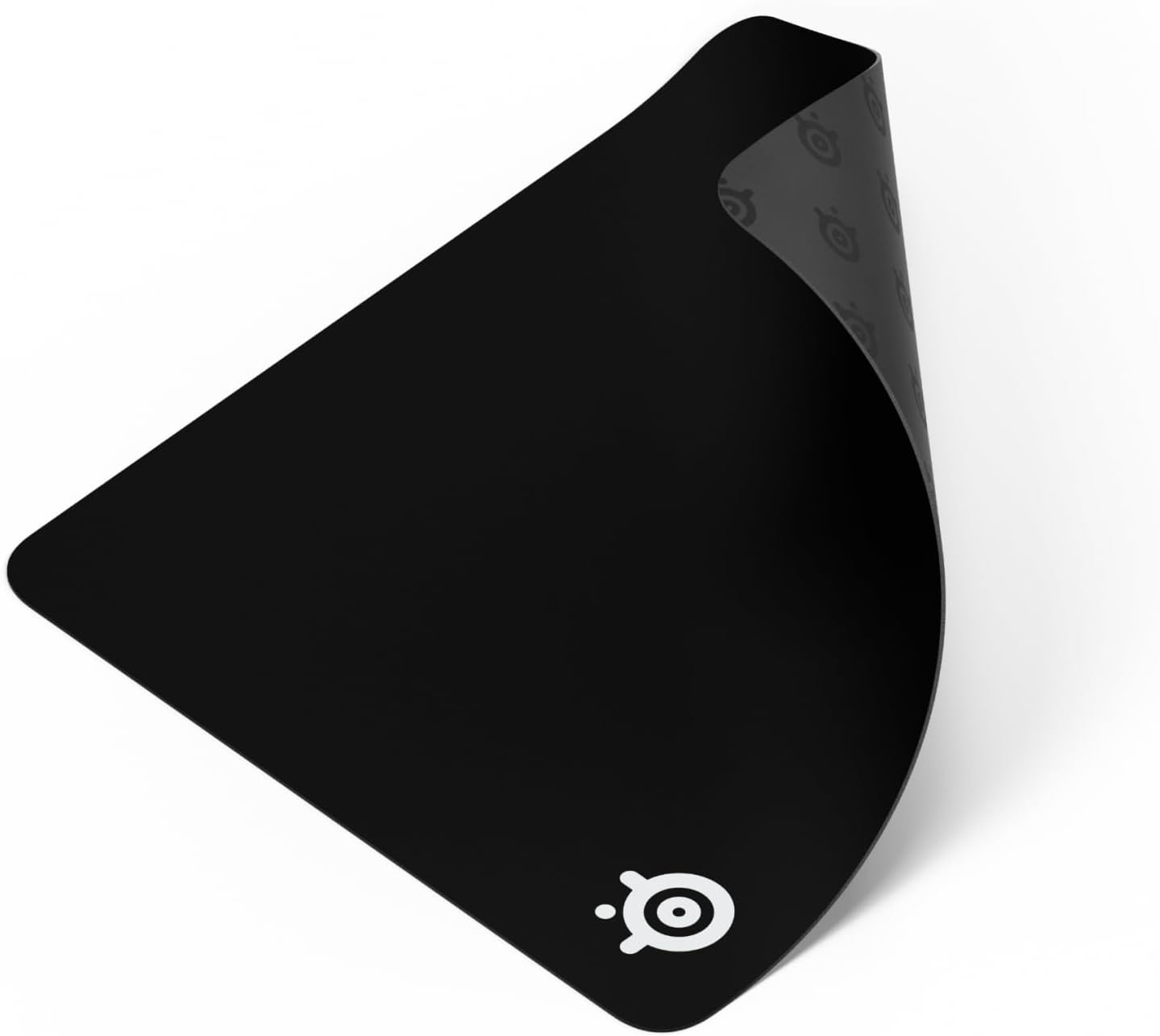
SteelSeries QcK Large Gaming Mousepad — Black — Non-Slip Silicone Rubber Base — Peak Tracking and Stability — Optimized for Gaming Sensors — 490 mm x 420 mm — FPS, MOBAs, RTS, MMO
A 450 mm x 400 mm x 2 mm cloth mousepad designed for precise control in gaming, especially for budget-conscious players.