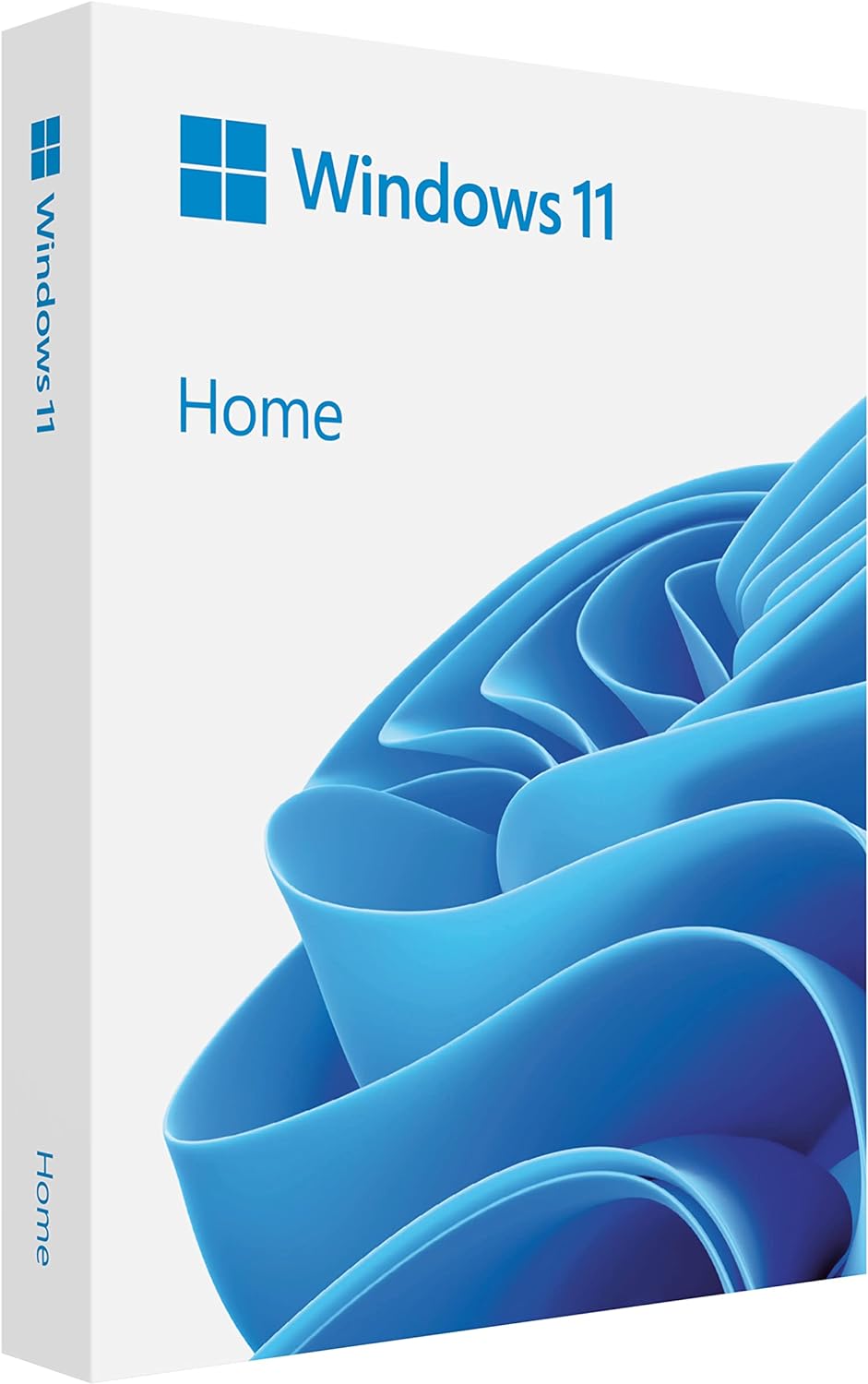
Microsoft Windows 11 (USB)
Want the best price and purchase timing?
Our AI advisor analyzes real-time pricing across all channels to find you the best deal.
AI Verdict
This is Windows 11 on a USB stick, primarily for installing the OS onto a system with 4GB RAM and an ARM Mali T604 GPU, not for running it directly.
This Windows 11 (USB) is a situational fit, primarily serving as installation media. When installed on a system with the specified 4GB RAM and ARM Mali T604 GPU, the operating system will function, but performance will be limited to basic tasks. The modern OS features are present, but the underlying hardware specs will constrain the overall user experience.
If you need a smoother Windows 11 experience, look for a system with at least 8GB of RAM and a more powerful, preferably x86-based, integrated or dedicated GPU.
Regret Score™
High RiskLower is better — measures purchase-regret risk from real buyer complaints, review credibility, and product maturity
Issues discovered after purchase
Critically weak dimension
Amazon rating vs actual quality
Chance this product isn't for you
Pros
- Refreshed Windows 11 interface offers a less cluttered experience.
- Includes biometric logins and encrypted authentication for enhanced security.
- Snap layouts and virtual desktops improve screen space management.
- Seamless integration of Microsoft Teams into the taskbar facilitates communication.
- The physical USB drive makes installation straightforward and accessible.
- Provides advanced antivirus defenses against cyberthreats.
Cons
- Running Windows 11 directly from a typical USB drive results in "painfully slow" performance due to poor random I/O speeds.
- The 4GB RAM specification will severely limit multitasking and application performance on a Windows 11 system.
- The ARM Mali T604 GPU is not designed for demanding graphics tasks, impacting visual performance.
- Risk of purchasing counterfeit USB drives with corrupted files or malware from unauthorized sellers.
- Users report compatibility issues with some older applications and devices after installing Windows 11.
Dimension Scores
A system running Windows 11 with only 4GB RAM and an ARM Mali T604 GPU will offer below-average processing power for a modern desktop OS.
As an operating system on a USB, the product itself offers no expandability; any system expandability depends entirely on the target hardware.
This dimension is not applicable to the operating system or USB stick itself; for a system with an ARM Mali T604, thermals and noise are typically average for low-power devices.
The 'build quality' refers to the physical USB stick, which can vary, and there's a reported risk of counterfeit products with questionable quality.
Best For
- Clean installations of Windows 11 on new or wiped systems.
- Users needing a secure, modern operating system for basic productivity tasks.
- Systems with 4GB RAM and an ARM Mali T604 GPU that meet Windows 11's minimum requirements.
- Those who prefer physical installation media over digital downloads.
Not Recommended For
- Running Windows 11 directly from the USB drive for daily use.
- Gaming or graphically intensive applications on a system with an ARM Mali T604 GPU.
- Heavy multitasking or professional creative work on a system with only 4GB RAM.
Watch Out For
- Many third-party Windows 11 USBs sold online are counterfeit, featuring typos or corrupted installation files.
- Attempting to run Windows 11 directly from a standard USB flash drive will be "unbearably slow" due to inadequate random read/write speeds.
- The 4GB RAM specified means you'll hit performance bottlenecks quickly with multiple browser tabs or applications open.
- Buying from unauthorized Amazon sellers risks malware or viruses embedded in the installation media.
- Some users report that the included Windows 11 version on the USB can be outdated, requiring immediate large updates post-installation.
Full Specifications
| RAM | 4 |
| ASIN | B09V6R9QZZ |
| Brand | Microsoft |
| Color | red |
| Series | Windows 11 Home 32/64-bit |
| Voltage | 110 Volts |
| Item Weight | 0.2 ounces |
| Manufacturer | Microsoft Software |
| Card Description | Integrated |
| Operating System | Windows 11 |
| Hardware Platform | pc |
| Item model number | HAJ-00108 |
| Screen Resolution | 2560 x 1440 pixels |
| Product Dimensions | 5.7 x 4.5 x 0.9 inches |
| Graphics Coprocessor | ARM Mali T604 |
| Item Dimensions LxWxH | 5.7 x 4.5 x 0.9 inches |
| Standing screen display size | 6.1 |
What Buyers Say
The biggest headache with this Windows 11 USB isn't the OS itself, but the sheer number of counterfeit products floating around, even at full price. People are getting USBs with typos on the packaging or corrupted installation files, which is a total waste of time. When you do get a legitimate one, the installation is usually a breeze, plug-and-play style. Users generally like the refreshed look and new multitasking features like Snap Layouts. However, if you're thinking of running Windows 11 directly from the USB, forget it; it's going to be agonizingly slow unless you've got a super-fast, SSD-based USB drive.
“Seriously, I just wanted to install Windows 11, not play detective trying to figure out if my USB is fake or not. Got one that worked eventually, but the first one was a total dud, wouldn't even boot. What a nightmare.”
Common Praise
- The refreshed user interface and centered taskbar feel modern and polished.
- Installation using the USB is straightforward and simple.
- Snap Layouts are useful for managing screen space and multitasking.
- Integrated Microsoft Teams is convenient for staying connected.
- The OS includes robust security features like biometric logins and advanced antivirus.
Common Complaints
- High prevalence of counterfeit USB products with non-functional or malicious software.
- Performance is "painfully slow" if attempting to run Windows 11 directly from a standard USB drive.
- Compatibility issues with some older applications and hardware after installation.
- The taskbar offers less customization options compared to Windows 10.
- The version of Windows 11 on the USB can be outdated, requiring immediate large updates.
Ownership Tips
- You'll likely spend more time verifying the authenticity of the USB than actually installing the OS if you buy from a third-party seller.
- Even after a successful installation, expect a significant update process to bring Windows 11 to its current version.
- If your system only has 4GB RAM, you'll quickly notice performance lags, especially with more than a few browser tabs open.
- The 'USB' part is really just for installation; don't expect a portable, usable operating system experience from it.
- Be prepared to troubleshoot potential driver issues, especially with older or less common hardware, as Windows 11 can be picky.
Frequently Asked Questions
Can I run Windows 11 directly from this USB drive?
While technically possible with 'Windows To Go,' running Windows 11 from a typical USB drive will be "painfully slow" due to the drive's random I/O speeds. It's designed for installation, not as a portable OS.
Are there risks to buying a Windows 11 USB from Amazon?
Yes, there's a significant risk of purchasing counterfeit USB drives with corrupted files or even malware from unauthorized sellers. Microsoft recommends creating your own installation media using their official tools.
Will Windows 11 run well on a system with 4GB RAM and an ARM Mali T604 GPU?
Windows 11 will function, but performance will be limited. 4GB RAM is the minimum requirement, meaning heavy multitasking or demanding applications will struggle. The ARM Mali T604 GPU is also a basic graphics solution.
Does this USB include a Windows 11 license key?
As a Full Packaged Product (FPP), it typically includes a product key for activation. However, always verify the product description to ensure a license key is part of the package, especially given the prevalence of counterfeit products.
Can I use this USB to install Windows 11 on any computer?
You can use it on any compatible computer, but the system must meet Windows 11's minimum hardware requirements, including TPM 2.0 and Secure Boot. The provided specs (4GB RAM, ARM Mali T604) are for a specific type of system.
What if the Windows 11 version on the USB is outdated?
It's common for physical installation media to contain an older build of Windows 11. You will likely need to download and install significant updates after the initial installation to get the latest features and security patches.
Buying Guide
When you're looking at this Windows 11 (USB), you're essentially buying the operating system and the physical tool to install it. It's not a computer itself, so don't expect it to have speakers or a screen. What really matters is the computer you're going to install it on. Windows 11 has specific system requirements, and if your machine doesn't meet them, this USB won't magically fix that. Also, be super careful where you buy it from; there are a lot of fake ones out there.
OS: Windows 11
This is the operating system itself. It's like the brain of your computer, managing all the software and hardware. Windows 11 brings a new look, better security, and features like Snap Layouts for organizing your windows, but it needs compatible hardware to run smoothly.
RAM: 4GB
RAM (Random Access Memory) is your computer's short-term memory. Think of it as your desk space. 4GB is like a small desk; you can only have a few things open at once before it gets cluttered and slow. For Windows 11, 4GB is the bare minimum, so don't expect to run many apps simultaneously without slowdowns.
GPU: ARM Mali T604
The GPU (Graphics Processing Unit) handles all the visuals on your screen. An ARM Mali T604 is a very basic graphics chip, typically found in older or very low-power devices. It's fine for displaying the desktop and basic video, but it won't handle modern games or complex graphic design software, similar to how a basic calculator can do sums but not advanced calculus.
Resolution: 2560 x 1440 pixels
This is the maximum display resolution the system running this OS can output. It means the OS can support a sharp, detailed image on a compatible monitor. However, with a basic GPU like the ARM Mali T604, driving a display at this resolution might strain performance, especially during animations or video playback.
Alternatives
If you need better performance for multitasking or any kind of demanding software, look for systems with at least 8GB of RAM and a more capable, preferably x86-based, CPU and GPU. For a truly smooth experience, 16GB RAM is a better target.
You Might Also Like

HP ProOne 600 G4 All-in-One Desktop Computer 21.5" FHD PC, Intel Core i5-8500T, 8GB RAM, 256GB SSD, Keyboard & Mouse, USB WiFi & BT, Windows 11 Pro (Renewed)
$150-$299This is a renewed 21.5-inch FHD All-in-One with an 8th Gen Intel Core i5-8500T, 8GB RAM, and 256GB SSD, best for basic office tasks and web browsing.

GEEKOM A9 Max AI Mini PC, with AMD Ryzen AI 9 HX 370 (80 Tops), Copilot+ PC, Radeon 890M, 32GB DDR5 (Not LPDDR), 1TB SSD, Win 11 Pro, WiFi 7, BT 5.4, USB4, HDMI 2.1, Dual 2.5GbE, 8K, 3-Year Warranty
$600+A mini PC with an AMD Ryzen AI 9 HX 370 processor and Radeon 890M graphics, designed for AI workloads and 1080p gaming.

Bmax Mini PC B1 Pro Intel Gemini Lake N4000 (Up to 2.6GHz), 8GB LPDDR4 128GB eMMC Support M.2 SSD Expansion (512GB/2TB), 4K Dual Display 2.4G/5G WiFi & BT4.2 Mini Desktop Computer for Home/Office
$150-$299This is a fanless mini PC with an Intel N4000 processor, 8GB LPDDR4, and 128GB eMMC, designed for basic office tasks and web browsing.

Lenovo 24" ThinkCentre All-in-One Desktop Computer • 6-core AMD Ryzen 5 Processor • 16GB DDR5 • 512GB SSD • Wi-Fi 6 • HDMI in&Out • Wired KB&Mouse • Windows 11 Pro
$600+This is a 24-inch FHD IPS AIO with an AMD Ryzen 5 220 processor, 16GB DDR5 RAM, and a 512GB SSD, built for everyday productivity and light creative tasks.