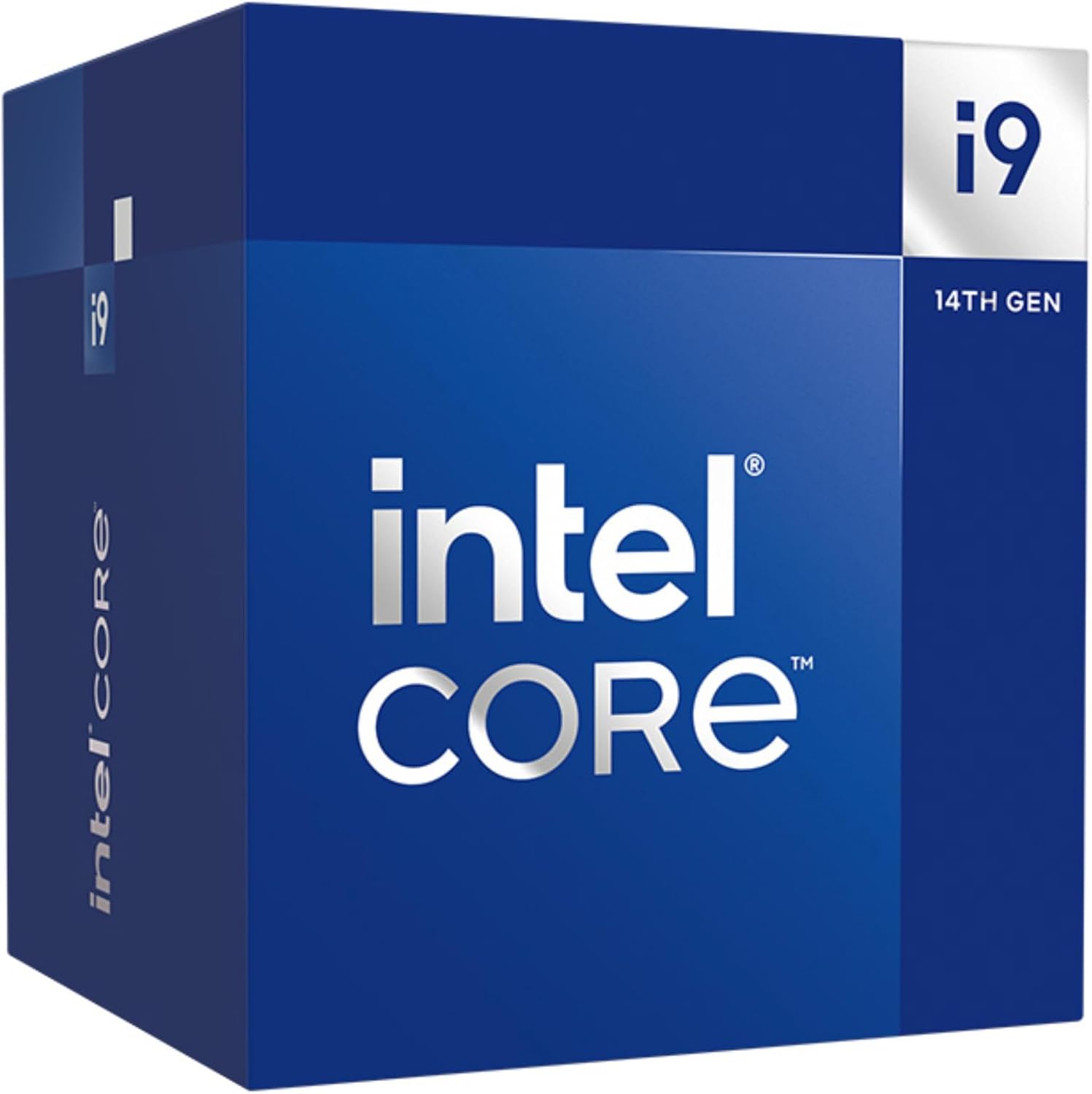
Intel Core i9-14900 Desktop Processor 24 cores (8 P-cores + 16 E-cores) up to 5.8 GHz
Want the best price and purchase timing?
Our AI advisor analyzes real-time pricing across all channels to find you the best deal.
AI Verdict
This 24-core, 32-thread CPU with up to 5.8 GHz speed is for serious creators and gamers needing top-tier multi-threaded power.
This CPU delivers top-tier 24-core, 32-thread performance with 5.8 GHz turbo speeds, making it powerful for demanding tasks. However, its significant heat output and power consumption, coupled with the inadequate included cooler, mean it's only a strong fit if you're prepared to invest in a premium cooling solution.
If this isn't enough, look for CPUs with higher core counts or specialized architectures like AMD's X3D series for gaming, or consider the unlocked 'K' version if you plan to manually tune and overclock with extreme cooling.
Regret Score™
Medium RiskLower is better — measures purchase-regret risk from real buyer complaints, review credibility, and product maturity
Issues discovered after purchase
Critically weak dimension
Amazon rating vs actual quality
Chance this product isn't for you
Pros
- Features 24 cores (8 P-cores + 16 E-cores) and 32 threads for demanding workloads.
- Boosts up to 5.8 GHz, delivering high single-core performance.
- Integrated Intel UHD Graphics 770 is included, useful for systems without a dedicated GPU.
- Supports both DDR4 and DDR5 memory, offering flexibility for system builds.
- Compatible with Intel 600-series (with potential BIOS update) and 700-series chipset motherboards.
Cons
- Generates significant heat under load, requiring robust cooling solutions beyond the included Laminar RH1.
- Power consumption can be high when boosting to maximum frequencies.
- Offers only single-digit performance gains over the previous generation i9-13900, making it a minor upgrade for existing owners.
- The included Intel Laminar RH1 Cooler is likely insufficient for sustained high-performance use.
Dimension Scores
The CPU features P-cores boosting up to 5.8 GHz, delivering top-tier single-thread performance.
With 24 cores (8 P-cores + 16 E-cores) and 32 threads, it handles intensive multi-threaded tasks with high efficiency.
Despite a 65W Processor Base Power, the CPU draws significant power when boosting to 5.8 GHz, leading to high energy consumption under load.
Compatible with DDR4 and DDR5 and PCIe 5.0, but it's on the last generation of the LGA1700 socket, limiting future CPU upgrade paths on the same motherboard.
Best For
- Video editing and 3D rendering with resource-heavy applications.
- Enthusiast gaming at high resolutions and frame rates.
- Heavy multitasking with multiple demanding applications running simultaneously.
- Workstations requiring high core count and fast clock speeds for professional workloads.
Not Recommended For
- Budget-conscious builds where a dedicated GPU is already planned.
- Users seeking significant generational performance leaps from a 13th-gen i9.
- Systems without a high-end aftermarket cooling solution.
Watch Out For
- The included Intel Laminar RH1 Cooler is not adequate for the CPU's full 5.8 GHz turbo potential, leading to thermal throttling under sustained heavy loads.
- Motherboards may default to overvolting, causing instability and higher temperatures; manual BIOS adjustments are often necessary.
- Expect to spend extra on a high-performance 360mm AIO liquid cooler to manage temperatures effectively, as the CPU can hit 100°C under load.
- Power draw can be substantial when the CPU is pushed, potentially requiring a higher wattage power supply.
Full Specifications
| ASIN | B0CQ24VW72 |
| Brand | Intel |
| Color | Silver |
| Series | BX8071514900 |
| CPU Model | Core i9 |
| CPU Speed | 5.4 GHz |
| Processor | 5.4 GHz core_i9 |
| CPU Socket | PGA LGA1700 |
| Item Weight | 1.43 pounds |
| Manufacturer | Intel |
| Processor Brand | Intel |
| CPU Manufacturer | Intel |
| Item model number | BX8071514900 |
| Product Dimensions | 5.8 x 5 x 3.7 inches |
| Number of Processors | 1 |
| Item Dimensions LxWxH | 5.8 x 5 x 3.7 inches |
What Buyers Say
Users consistently report that this CPU is an absolute beast for raw processing power, easily handling intense gaming, video editing, and 3D rendering. However, the recurring theme is its significant heat output under load, often hitting 100°C, which necessitates a high-end cooling solution. Many feel it's a minor refresh over the 13th gen i9, offering only marginal performance gains. The included cooler is widely considered insufficient for its capabilities. Some users also noted that motherboards can overvolt by default, requiring manual BIOS adjustments for stability and better thermal management.
“This thing is FAST, but holy cow, my room turns into a furnace when I'm rendering. Definitely needed a better cooler than what came in the box, like, immediately.”
Common Praise
- Handles all tasks, from gaming to content creation, without breaking a sweat.
- Exceptional multi-tasking capabilities, running resource-heavy applications smoothly.
- Fast rendering times in applications like DaVinci Resolve.
- High clock speeds provide a noticeable performance boost in demanding scenarios.
Common Complaints
- Runs extremely hot under full load, often reaching 100°C and thermal throttling.
- Requires a high-end 360mm AIO liquid cooler to maintain optimal temperatures.
- Minimal performance improvement over the previous generation i9-13900.
- High power consumption, demanding a robust power supply.
Ownership Tips
- You'll probably need to tweak BIOS settings to prevent overvolting and manage temperatures, especially with ASUS motherboards.
- The stock cooler is basically a placeholder; plan on buying a serious liquid cooler right away.
- Even with a top-tier cooler, expect high temperatures under sustained heavy loads, it's just how these chips run.
- The performance jump from a 13th-gen i9 isn't huge, so don't expect a revolutionary upgrade if you're coming from that.
Frequently Asked Questions
Does the Intel Core i9-14900 come with a cooler?
Yes, the Intel Core i9-14900 includes the Intel Laminar RH1 Cooler in the box.
Is the included cooler sufficient for the i9-14900?
For light tasks, the included Laminar RH1 cooler might be okay, but for sustained heavy workloads or when the CPU turbos to its maximum 5.8 GHz, it will likely be insufficient, leading to high temperatures and potential thermal throttling.
What kind of motherboard do I need for the i9-14900?
The i9-14900 is compatible with Intel 700 Series and Intel 600 Series Chipset based motherboards. For 600-series boards, a BIOS update might be necessary.
Does this processor support DDR4 or DDR5 memory?
The Intel Core i9-14900 supports both DDR4 and DDR5 memory, giving you flexibility in your system build.
Is the i9-14900 good for gaming?
Yes, it's an excellent processor for gaming, offering high frame rates and smooth performance. However, for pure gaming, some AMD X3D chips might offer better value or performance per watt.
Buying Guide
When you're looking at a high-end CPU like this, you're buying raw processing power for the most demanding tasks. Don't just look at the core count; the clock speed and how efficiently those cores work together matter for your specific software. You also need to factor in the cost of a serious cooling solution, because these chips run hot when pushed, and the included cooler won't cut it for anything beyond basic use.
24 cores (8 P-cores + 16 E-cores)
This means you have a mix of powerful 'Performance' cores for single-threaded tasks and efficient 'Efficiency' cores for background processes and multi-threaded workloads. More cores generally mean better multitasking and faster completion of tasks like video rendering or compiling code, like having more lanes on a highway for traffic.
up to 5.8 GHz
This is the maximum speed a single core can reach under ideal conditions. Higher GHz means faster execution of individual instructions, which is crucial for gaming and applications that don't fully utilize many cores. Think of it as the speed limit on that highway – a higher limit means cars can go faster.
65W Processor Base Power
This is the power the CPU consumes at its base frequency. While it's relatively low, the CPU will draw significantly more power when it turbos up to 5.8 GHz. This impacts your power supply requirements and, crucially, how much heat the chip generates, similar to how a car uses more fuel when accelerating hard.
Alternatives
If you prioritize gaming and power efficiency, look for CPUs with 3D V-Cache technology. If you need more raw multi-threaded power for professional applications and are willing to invest in extreme cooling, consider higher core count processors from either brand.
You Might Also Like

INTEL INTEL XEON Gold 6246R Processor (35.75M Cache, 3.40 GHZ)
$600+This is a 1-core, 3.40 GHz Xeon Gold processor designed for highly specialized server tasks, not general computing.

INTEL INTEL XEON Gold 6250 Processor (35.75M Cache, 3.90 GHZ)
$600+This is a 1-core, 3.9 GHz Intel Xeon Gold processor with 35.75MB cache, making it an unusual fit for demanding data center workloads.

AMD Ryzen 5 3600 6-Core, 12-Thread Unlocked Desktop Processor with Wraith Stealth Cooler
This 6-core, 12-thread AM4 processor with a 4.2 GHz max boost is for budget PC builders needing 100+ FPS in 1080p games and basic multitasking.

AMD Ryzen 7 3700X 8-Core, 16-Thread Unlocked Desktop Processor with Wraith Prism LED Cooler
An 8-core, 16-thread AM4 processor with a 4.4 GHz max boost, bundled with an RGB cooler, suitable for multi-threaded tasks.