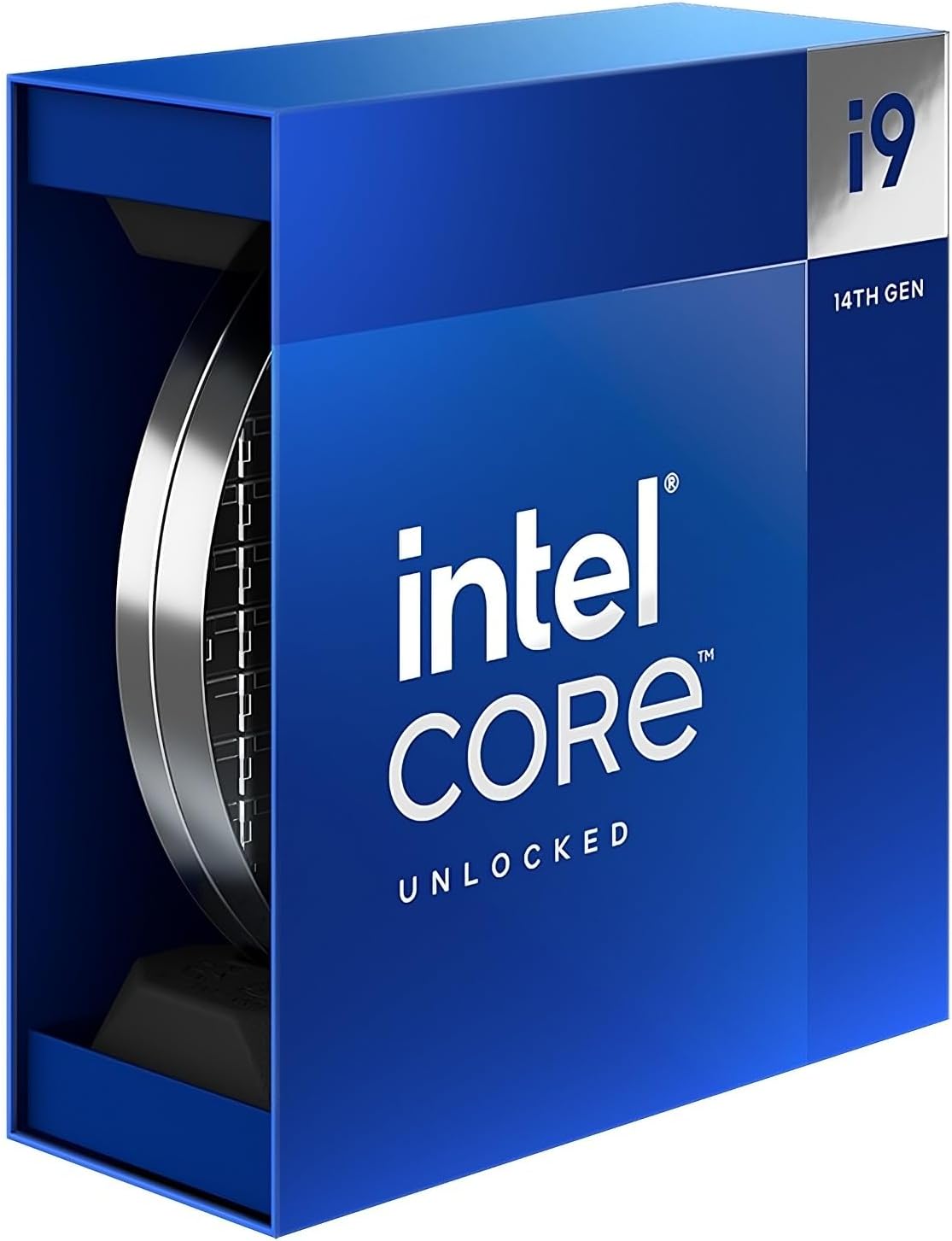
Intel® Core™ i9-14900K Desktop Processor 24 cores (8 P-cores + 16 E-cores) up to 6.0 GHz
Want the best price and purchase timing?
Our AI advisor analyzes real-time pricing across all channels to find you the best deal.
AI Verdict
This 24-core, 32-thread LGA 1700 processor with up to 6.0 GHz is for demanding gamers and content creators who prioritize raw speed and are ready for serious cooling and tuning.
The Intel Core i9-14900K is a powerhouse with 24 cores and a 6.0 GHz boost clock, making it suitable for users who need top-tier single and multi-threaded performance for demanding tasks. However, its high heat output and power consumption mean it's only a strong fit for those prepared to invest in premium cooling and willing to fine-tune BIOS settings for stability.
If this processor's thermal and power demands are too high, consider a processor with a lower core count or a more efficient architecture.
Regret Score™
Medium RiskLower is better — measures purchase-regret risk from real buyer complaints, review credibility, and product maturity
Issues discovered after purchase
Critically weak dimension
Amazon rating vs actual quality
Chance this product isn't for you
Pros
- Achieves up to 6.0 GHz boost clock speed, leading in single-core performance.
- Features 24 cores (8 P-cores + 16 E-cores) and 32 threads for strong multitasking and content creation.
- Supports both DDR4 and DDR5 memory, offering flexibility for system builds.
- Compatible with motherboards using Intel 700 and 600 series chipsets.
- Includes Intel UHD Graphics 770, suitable for basic display output and light media tasks.
Cons
- Consistently runs hot, frequently reaching 100°C under load, requiring high-end cooling.
- High power consumption, with a processor base power of 125 W and peak usage around 300-330W.
- Performance gains over the 13900K are often only 8-10%, making it a minor generational refresh.
- Can exhibit stability issues and crashes if not properly tuned or undervolted, especially with default motherboard settings.
- Less power-efficient than some competitors, consuming significantly more watts per frame in gaming.
Dimension Scores
The processor achieves up to 6.0 GHz, leading the field in single-threaded benchmarks.
With 24 cores (8 P-cores + 16 E-cores) and 32 threads, it delivers strong multi-threaded performance for demanding tasks.
The processor has a base power consumption of 125 W and can draw over 300 W under load, making it significantly less power-efficient than competitors.
Supports current standards like DDR5 and PCIe 5.0, but it's the last generation on the LGA 1700 socket, limiting future CPU upgrade paths.
Best For
- Professional content creation workflows like video editing and 3D rendering that benefit from high core counts and clock speeds.
- Enthusiast gamers seeking the absolute highest frame rates in CPU-intensive titles, provided they have adequate cooling.
- Users who enjoy fine-tuning and overclocking their system for maximum performance.
- Workstations requiring robust multi-threaded performance for complex simulations or data processing.
Not Recommended For
- Budget-conscious builders, as the processor's cost and cooling requirements add up.
- Users unwilling to invest in a high-end liquid cooling solution (e.g., 360mm AIO).
- Anyone expecting a significant performance leap over a 13th Gen i9 processor.
Watch Out For
- This chip frequently hits 100°C under full load, even with a 360mm AIO cooler, leading to thermal throttling.
- Motherboards often over-overclock the CPU by default, causing instability and crashes; you might need to disable 'ASUS Multicore Enhancement' or similar settings and enforce Intel's wattage limits in BIOS.
- Power consumption can spike to 300-330W, demanding a robust power supply and potentially increasing electricity bills.
- Some users report needing to undervolt or manually tune core voltages to prevent degradation and ensure stability.
- The performance uplift from a 13900K is often only 8-10%, which might not justify the upgrade cost for many.
Full Specifications
| RAM | 1 GB |
| ASIN | B0CHBJGFBC |
| Brand | Intel |
| Color | Black |
| Series | BX8071514900K |
| Voltage | 28 Volts |
| Language | English |
| Batteries | 1 AAAA batteries required. |
| CPU Model | Intel Core i9 |
| CPU Speed | 3.2 GHz |
| Processor | 3.2 GHz intel_core_i9 |
| CPU Socket | LGA 1700 |
| Item Weight | 3.17 ounces |
| Manufacturer | Intel |
| Processor Brand | Intel |
| CPU Manufacturer | Intel |
| Card Description | Dedicated |
| Operating System | Standard |
| Hardware Platform | Linux |
| Item model number | BX8071514900K |
| Number of Processors | 1 |
What Buyers Say
Many users report that the 14900K runs extremely hot, frequently hitting 100°C under load, even with high-end 360mm liquid coolers. There are recurring complaints about stability issues and crashes, often linked to motherboard default settings that push the CPU beyond Intel's recommended wattage limits. While it offers top-tier performance for gaming and content creation, the consensus is that it's a minor refresh over the 13900K, with only an 8-10% performance increase. Users often need to manually tweak BIOS settings, undervolt, or disable features like 'Multicore Enhancement' to achieve stability and manage thermals.
“Man, this thing is FAST but it's like trying to cool a tiny sun, my 360mm AIO is always at 100C and I had to mess with my BIOS for hours just to stop it from crashing in games.”
Common Praise
- Handles demanding AAA games with smooth and stable frame rates.
- Excels in multitasking, running resource-heavy applications simultaneously without issues.
- Delivers high performance in video editing and 3D rendering tasks.
- Offers flexibility with support for both DDR4 and DDR5 memory.
Common Complaints
- Reaches 100°C almost instantly under full load, even with premium liquid cooling.
- Requires significant manual tuning (undervolting, BIOS tweaks) to achieve stability and prevent crashes.
- High power draw, often exceeding 300W, leading to increased heat and electricity usage.
- Minimal performance improvement over the previous generation 13900K.
- Some users experienced system instability and crashes, sometimes requiring OS reinstallation.
Ownership Tips
- You'll spend time in your motherboard's BIOS tweaking power limits and voltages to get it stable and cool.
- A 360mm AIO is the bare minimum for cooling, and even then, expect to see 100°C under heavy loads.
- The performance difference from a 13900K isn't huge, so if you have one, this isn't a must-upgrade.
- Be prepared for higher electricity bills due to its significant power consumption.
- Check your motherboard's default settings; many enable 'enhancements' that can destabilize the CPU.
Frequently Asked Questions
Does the Intel Core i9-14900K come with a cooler?
No, the Intel Core i9-14900K does not include a bundled cooler. You will need to purchase a high-performance liquid cooler separately to manage its heat output.
What kind of motherboard do I need for the i9-14900K?
You'll need a motherboard with an LGA 1700 socket and an Intel 700 or 600 series chipset to be compatible with this processor.
Can I use DDR4 RAM with the i9-14900K?
Yes, the Intel Core i9-14900K supports both DDR4 and DDR5 memory, giving you options for your system build.
Is the i9-14900K good for gaming?
It's an excellent gaming CPU, delivering high frame rates, but it's often considered overkill for gaming alone due to its high core count and thermal demands.
Why is my i9-14900K running so hot?
The 14900K is designed to boost to very high clock speeds, which generates significant heat, often pushing it to 100°C under load. This is typical behavior for the chip, and it requires a top-tier cooling solution to manage.
Buying Guide
When looking at a high-end CPU like this, you need to understand that raw core count and clock speed come with trade-offs. You're not just buying the chip; you're committing to a robust cooling solution and potentially a higher-wattage power supply. Don't just look at the headline numbers; consider the entire ecosystem needed to make it perform as advertised without issues. This isn't a plug-and-play component if you want maximum stability and longevity.
Cores (8 P-cores + 16 E-cores)
This split core design means you get 8 powerful 'Performance' cores for demanding tasks like gaming, and 16 efficient 'Efficiency' cores for background processes and multi-threaded workloads. Think of it like having a team of sprinters and a team of long-distance runners – each excels at different types of work, allowing the CPU to handle many tasks simultaneously without slowing down.
Up to 6.0 GHz
This is the maximum speed a single core can reach under ideal conditions. Higher GHz generally means faster individual task execution, which is crucial for things like gaming where a few cores do most of the heavy lifting. It's like the top speed of a sports car – it tells you how fast it can go when pushed.
LGA 1700 socket
This specifies the physical connection type for the CPU to your motherboard. You need a motherboard with the exact same socket type (LGA 1700) for the CPU to fit. It's like matching a specific type of light bulb to its socket; they have to be compatible to work.
Processor base power consumption: 125 W
This is the minimum power the CPU will draw under typical load. However, under heavy use, it can draw much more. This number helps you choose an adequate power supply and cooling system. It's like the 'city MPG' for a car – it's a baseline, but real-world usage, especially when pushing it, will be higher.
Alternatives
If you need high core counts but are concerned about heat and power, look for processors with more efficient architectures or lower maximum boost clocks. For pure gaming, consider chips with specialized gaming caches rather than just high core counts.
You Might Also Like

INTEL INTEL XEON Gold 6246R Processor (35.75M Cache, 3.40 GHZ)
$600+This is a 1-core, 3.40 GHz Xeon Gold processor designed for highly specialized server tasks, not general computing.

INTEL INTEL XEON Gold 6250 Processor (35.75M Cache, 3.90 GHZ)
$600+This is a 1-core, 3.9 GHz Intel Xeon Gold processor with 35.75MB cache, making it an unusual fit for demanding data center workloads.

AMD Ryzen 5 3600 6-Core, 12-Thread Unlocked Desktop Processor with Wraith Stealth Cooler
This 6-core, 12-thread AM4 processor with a 4.2 GHz max boost is for budget PC builders needing 100+ FPS in 1080p games and basic multitasking.

AMD Ryzen 7 3700X 8-Core, 16-Thread Unlocked Desktop Processor with Wraith Prism LED Cooler
An 8-core, 16-thread AM4 processor with a 4.4 GHz max boost, bundled with an RGB cooler, suitable for multi-threaded tasks.